How to Forward Hotmail to iCloud Mail on Mac?

Do you want a solution to forward Hotmail to iCloud Mail? If yes, then you successfully reached at the right destination. So, in the article, we will be learning a technique to migrate Hotmail emails in iCloud account. By applying it properly, one can directly export Hotmail files to iCloud on Mac OS. Thus, not to take any worries because MacMister is here to help you out!

Microsoft re-launched Hotmail as Outlook.com. But, still there are some users who uses email address with @hotmail.com in Microsoft Webmail. And, no matter how many updates are introduced, it is failed to meet the requirements of end users. Therefore, plethora of users and organizations are shifting to iCloud.
iCloud is a popular cloud storage platform that is designed by Apple for Mac users. It supports integration with multiple Mac devices such as iPhone, iPad, MacBook, iMac, etc. Users can easily use iCloud account on Mac through different Apple and Mac-supported email applications.
However, before discussing a method, let us first understand some main reason behind Hotmail to iCloud migration through a query.
Common Query:
I actually recently moved to Mac machine from Windows. I was making use of Hotmail webmail service earlier but after I moved to Mac I am using iCloud. And, now I want to access all emails from Hotmail account to iCloud. The process is very challenging for me. I am even finding difficulty in getting the right method for migration. I am avoiding a manual method because there are lot of disadvantages associated with it. So, if anyone can suggest me a secure and reliable best email backup software for Mac, it will be highly appreciated.
Unique Solution to Migrate Hotmail Emails to iCloud on Mac
To execute the same, users can use recommended Hotmail Backup Tool. The solution directly migrate emails from one platform to required platform and gives accurate output in less time. The easy and feasible GUI is operable by any professional and non-professional users. Moreover, the bulk migration option of the tool will save the crucial time and carries out the backup process in a single time.
What’s more to Expect from Hotmail to iCloud Tool?
The application is programmed with many powerful options with the help of which users will get the desired result. Moreover, the options introduced in the tool is totally safe and can be applied instantly. Some are mentioned below –
Migrate Hotmail to iCloud in Few Steps
The migration process is very easy to implement and will successfully complete by operating few simplified steps. Just provide the login details of Hotmail account, choose iCloud as a saving option and click Start Backup button. The whole task will over in three steps.
Apply Multiple In-Built Advance Filters
The software is designed with many advance filter options to transfer specified Hotmail emails to iCloud. It includes date range, to, from and subject. By applying them appropriately, users can move Hotmail data according to date, subject, email address and etc.
Keeps the Email Original Properties Intact
The job of the application is not only to forward emails from Hotmail to iCloud account but also keeping the mail originality intact when implementing the process. So, you do not need to worry while transferring the files because the tool will take care of each and every thing during migration.
Includes Email Backup Report Window
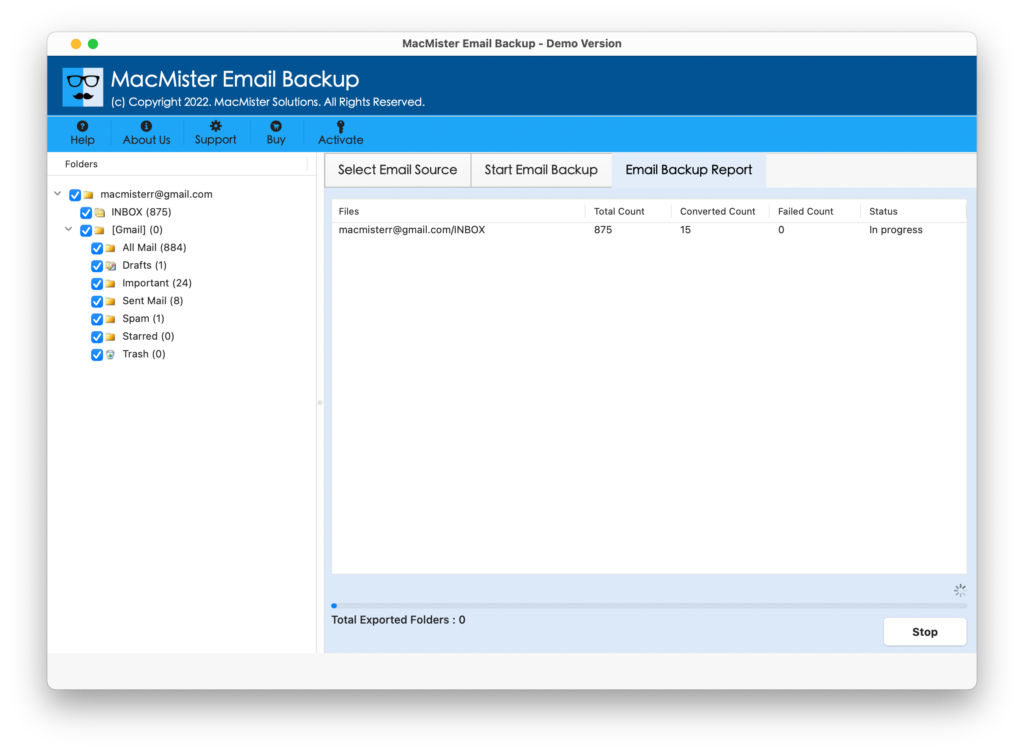
When you click on the Start Backup button, the tool will show Email Backup Report window on the screen. You can track the items converting, status and items left for migration. It will give you the idea of how much time it will be taking to complete the entire process.
Working Guide of Hotmail to iCloud on Mac
Follow the steps as mentioned and know how to transfer Hotmail to iCloud directly –
Step 1. Run Hotmail to iCloud Backup Tool on Mac.
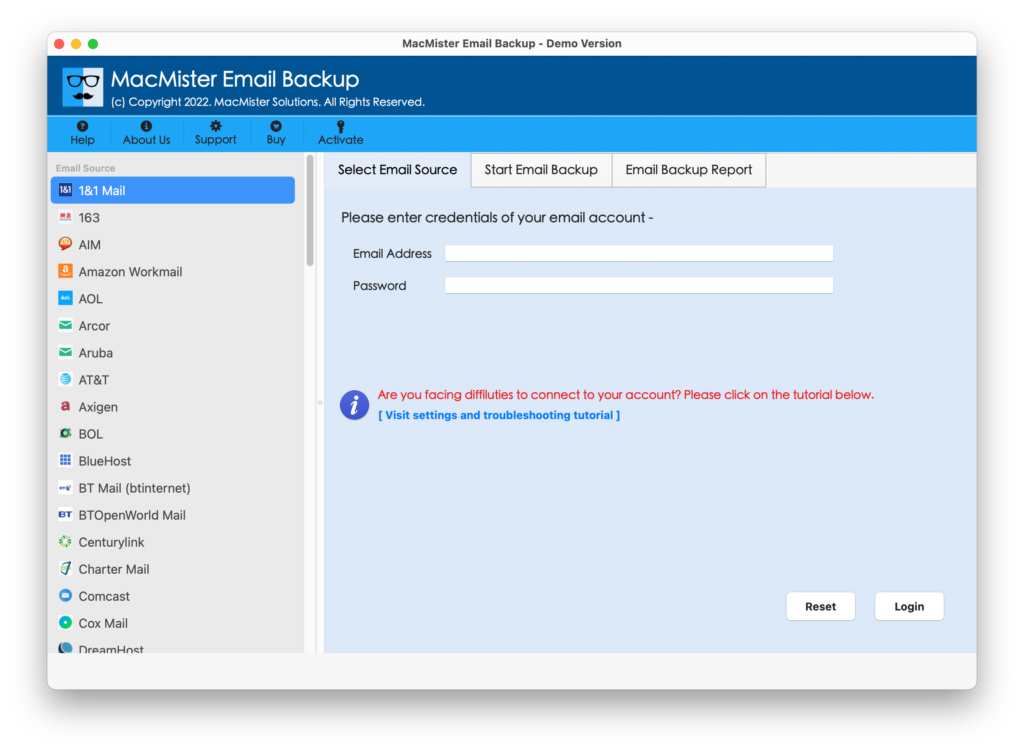
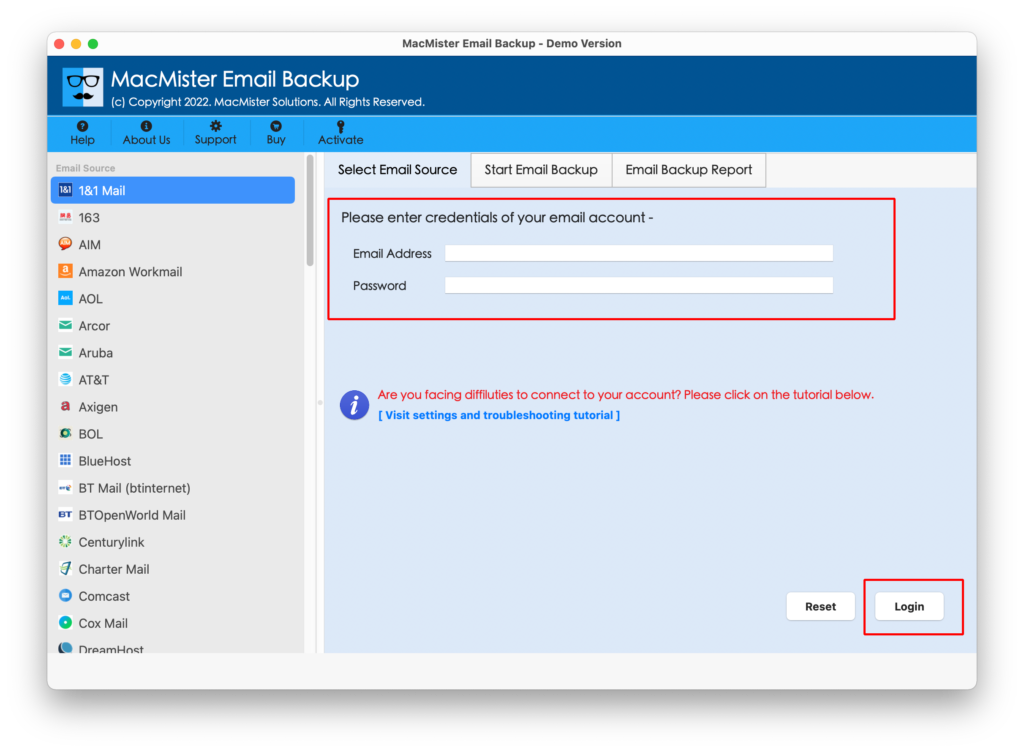
Step 2. Choose Hotmail option from left software panel and enter login details. Click Login.
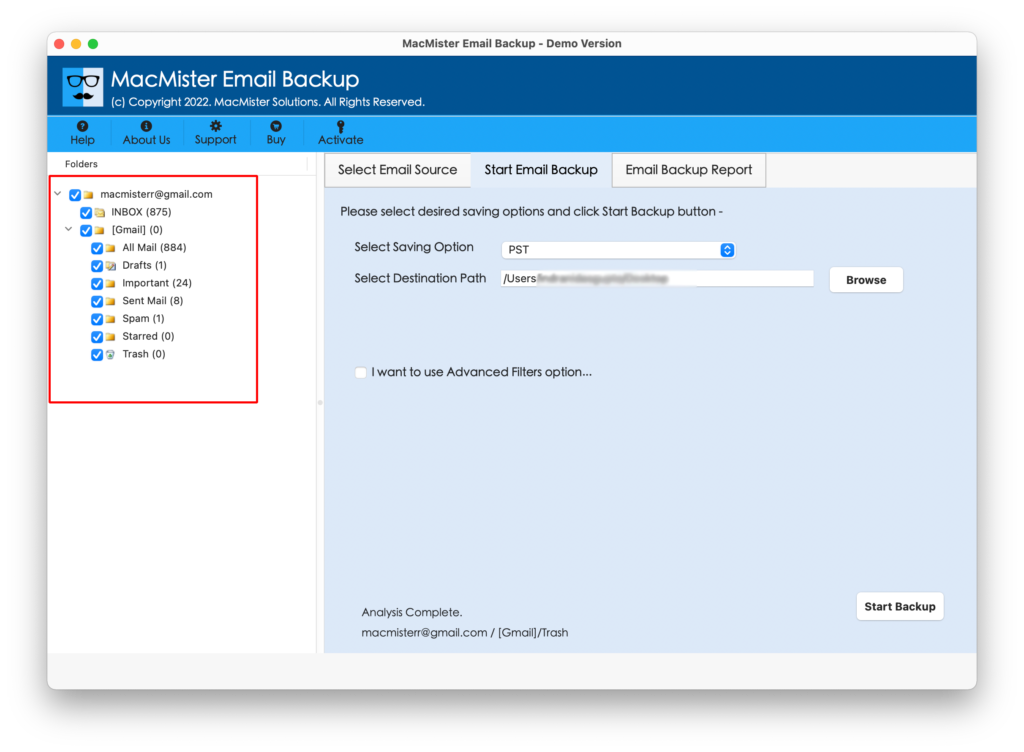
Step 3. Hotmail account will now be connected with the software and start listing all files one by one.
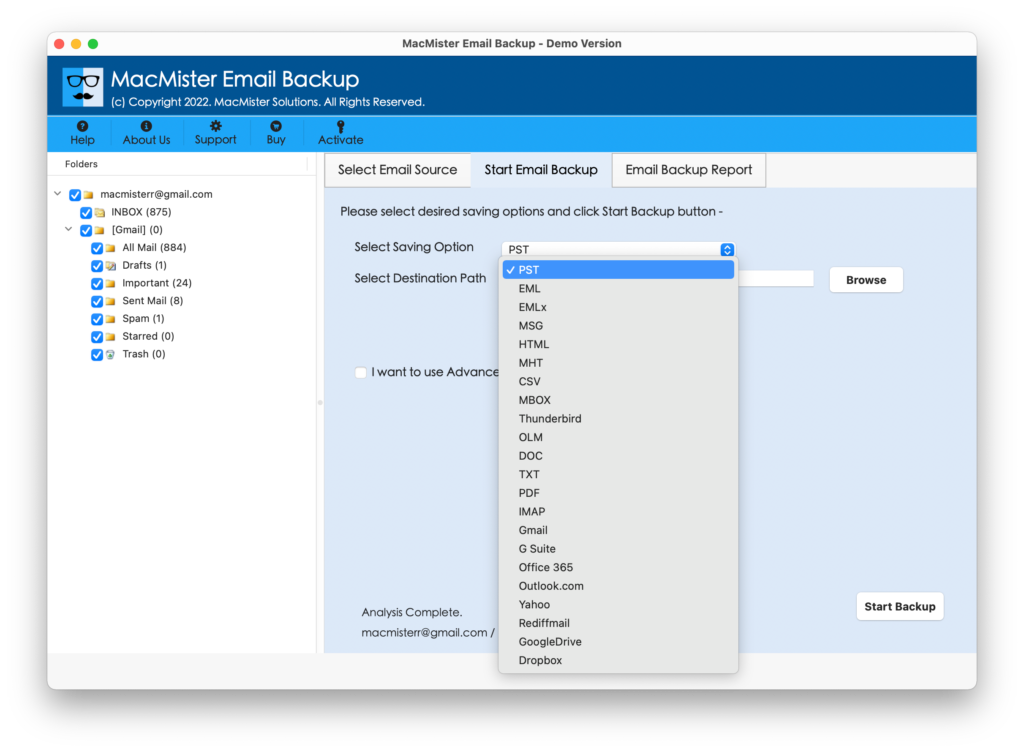
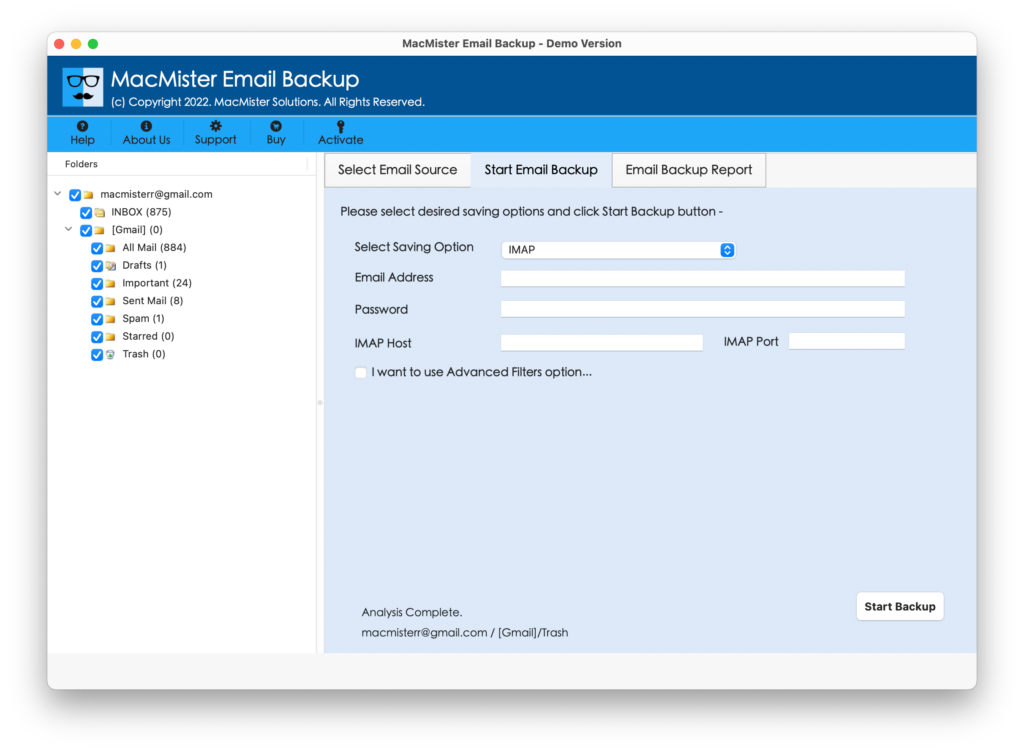
Step 4. Go to Select Saving Option and select IMAP Option from the list.
Step 5. Enter iCloud credentials with IMAP Host and Port Number and press Start Backup button.
Step 6. Email Backup Report window will now appear showing the live migration details –
When process will end, a message will display on the screen “Process Completed”. Click on OK to exit. Now, the auto-generated log report will appear showing total items converted, saving option and etc.
Once you have verified all the details, go to the specified iCloud account and check the resultant data. You will see that tool maintained the originality of mails and attachments during the process.
Note. In case you need any assistance, you can contact the support team. They will help you in making understand everything about the application and properly give you the guidance for migrating Hotmail emails to iCloud account.
Last Words
Hotmail to iCloud Tool is a new and unique approach for migrating Hotmail emails with attachments to iCloud directly. The advance solution keeps the private detail safe and protects the crucial information during the process. Quickly download the free demo of the tool and explore the process by transferring 25 Hotmail mails to iCloud free of cost.