Quickly Fix AOL Saved Mail Disappeared Error – [2023 SOLUTION]

Is your AOL saved emails disappeared suddenly and you don’t know how? Wondering how to fix AOL saved mail disappeared error correctly with ease—searching for some tips and tricks that can resolve the issue quickly? Not to worry, continue reading the segment and you will come across a technique that will fix the issue and help you to retrieve the disappeared AOL emails. But before discussing it, let’s first understand the reasons responsible that are causing the issue.
AOL Mail is a popular webmail service which is introduced by America Online, a subsidiary of Verizon Communications. It has a simple GUI that enables users to create & manage daily email communication for personal and professional use.
However, there are several companies that make use of AOL Mail to connect and collaborate with others effectively. Unfortunately, AOL Mail has some drawbacks that sometimes put users’ work at risk.
Reasons Responsible why AOL saved Mail Disappear
It is important to know the reasons first because then only one will be able to apply the suitable fix and retrieve the disappeared emails.
Let’s have a look at the possible reasons causing the issue:
- Sometimes moving emails from one computer to another can give rise to POP server error resulting in making AOL email invisible.
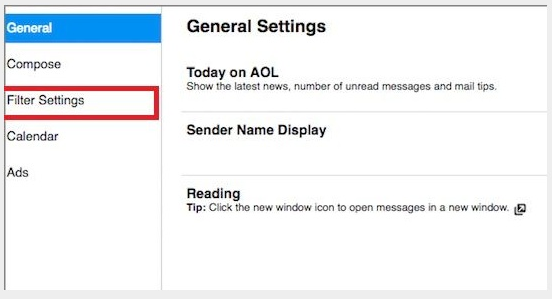
- Incorrect Filter settings can disappear AOL emails.
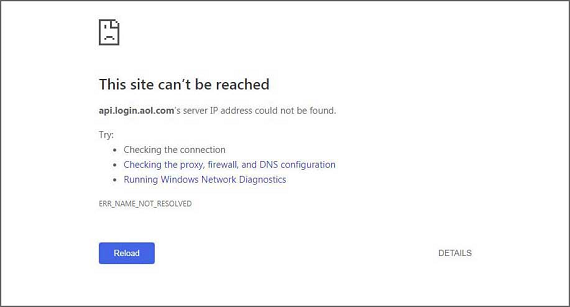
- AOL Mail Server not functioning properly or is slow to respond.
- The email account is deactivated due to inactivity.
- AOL account is hacked and thus become inaccessible.
- The email saved in a wrong folder.
Multiple Ways to Fix AOL Saved Mail Disappear Error
Fix 1. Check the trash folder:
Sometimes mail accidentally move to trash folder. In this case, use the following steps to restore AOL disappeared emails.
Step 1. Login to AOL account.

Step 2. Navigate to “Delete” or “Trash” folder of AOL mail account.

Step 3. Choose the required emails to restore. After this, click “Actions” and choose a particular folder where you need to move the mail.

Fix 2. Correct Filter Settings
Sometimes the email filter settings move the email to a different folder or destination. It is better to delete any filter setting that causes confusion. Follow the steps to perform the same:
Step 1. Open your AOL mail account.
Step 2. Navigate to “Options link” and select “Mail Settings” option.
Step 3. Now head towards “Filter Settings” and delete the unnecessary specified filter.
Fix 3. Check AOL Mail Server
A non-functioning AOL Mail server might be the reason why the mail is missing. Therefore, check the mail server properly and if in case it does not retrieve back to function, contact the AOL helpline.
How to Retrieve Deleted Emails from AOL Webmail Account?
Deleted mail is automatically moved to the “Recently deleted folder” and it will be there for 24 hours. So follow the steps to access deleted AOL Mail email messages using third-party utilities.
Step 1. Login to AOL email account.

Step 2. Go to “Recently Deleted Folder” appearing on the left side of the screen.
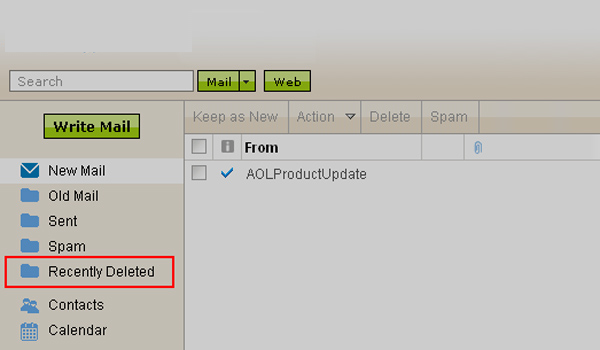
Step 3. Select the box appearing next to mail to restore it. Then, click Restore option.
Step 4. Now, restore the deleted emails before they get permanently deleted after 24 hours by using MacMister AOL Backup Tool for Mac & Windows.
Step 5. Install and run the above app on your system.
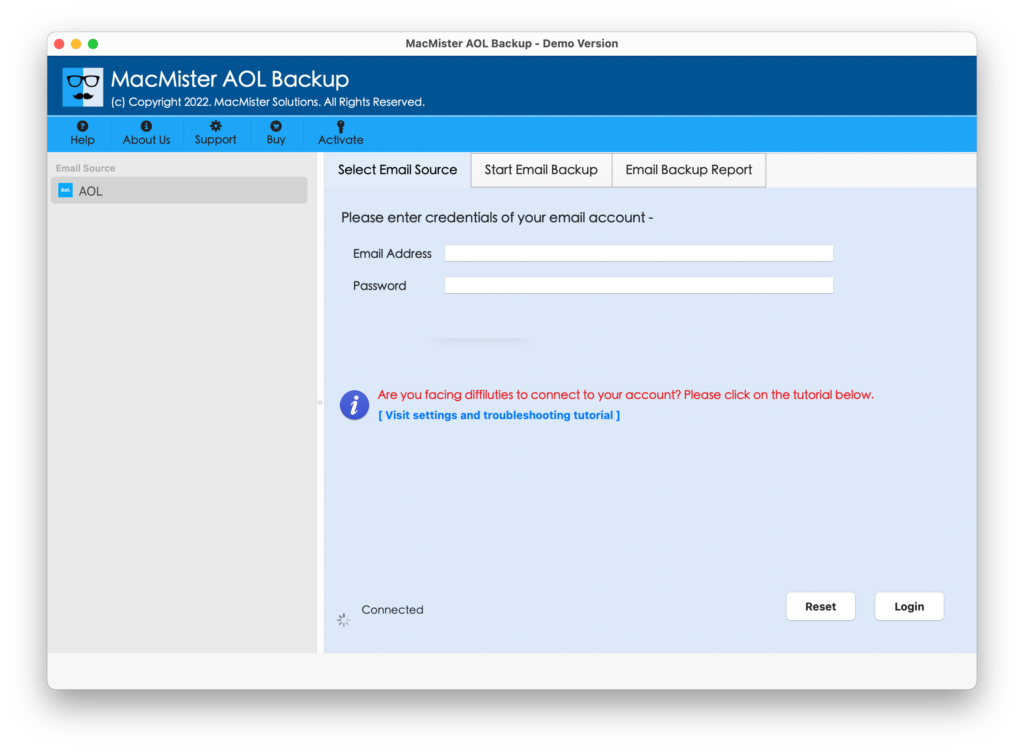
Step 6. Enter AOL Mail account details (email ID and app password) in the necessary fields and press the Login button.
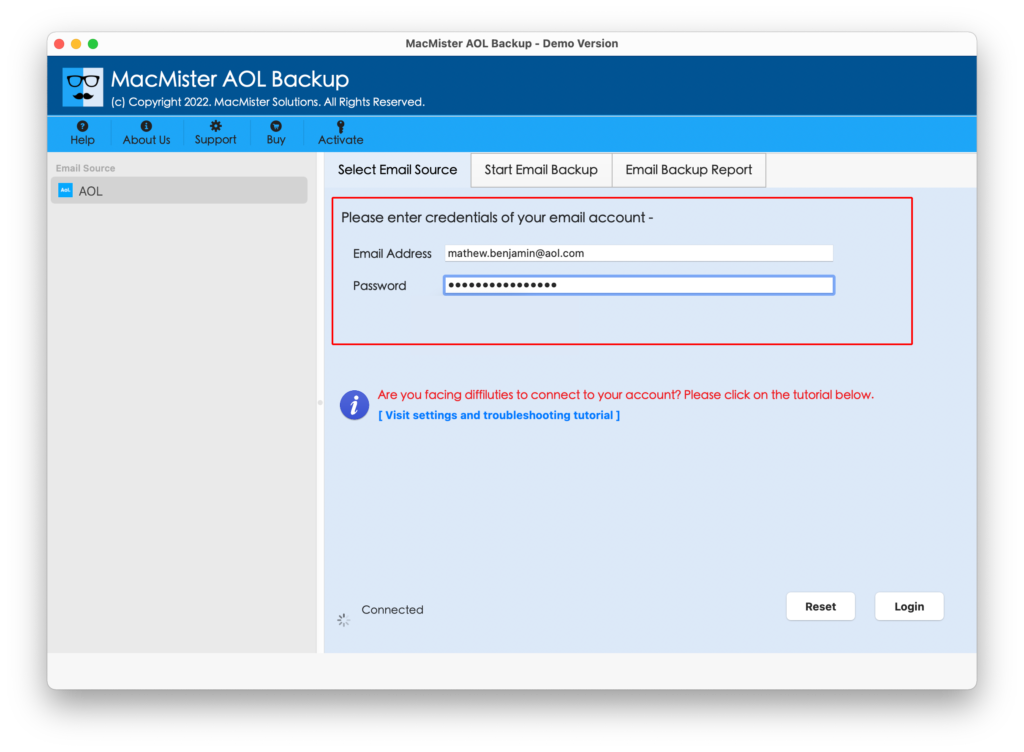
Step 7. After AOL email account successfully connects with the tool. Its mailboxes start appearing on the app.

Step 8. Go to the right side of the application, click on Select Saving Options, and select the saving type you need to backup AOL emails.
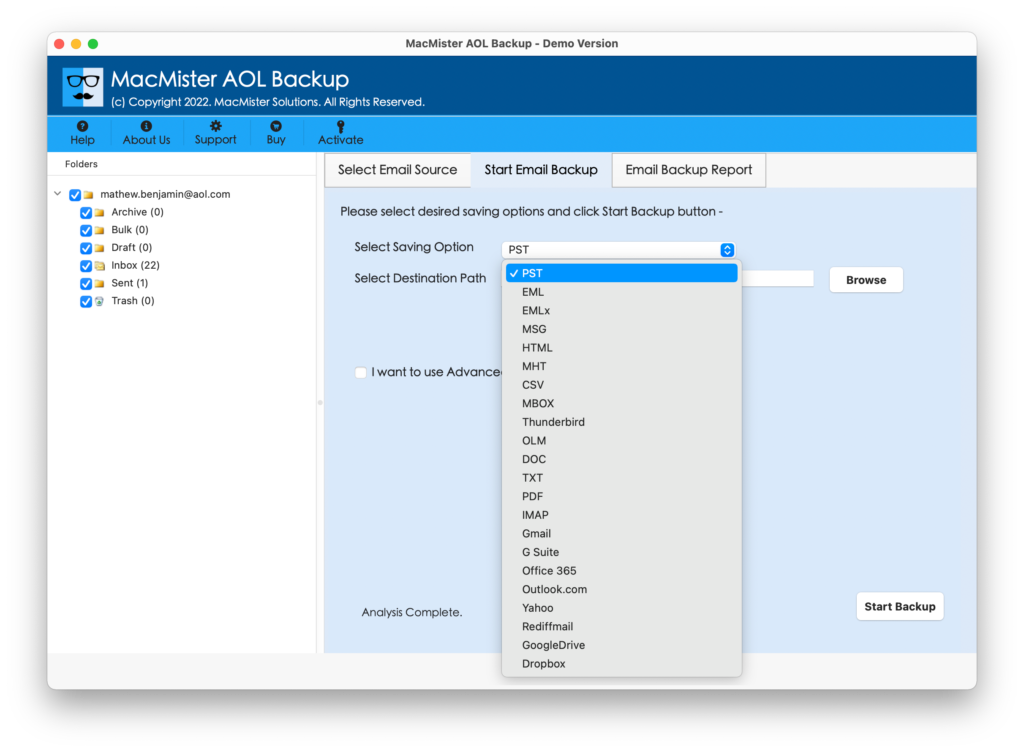
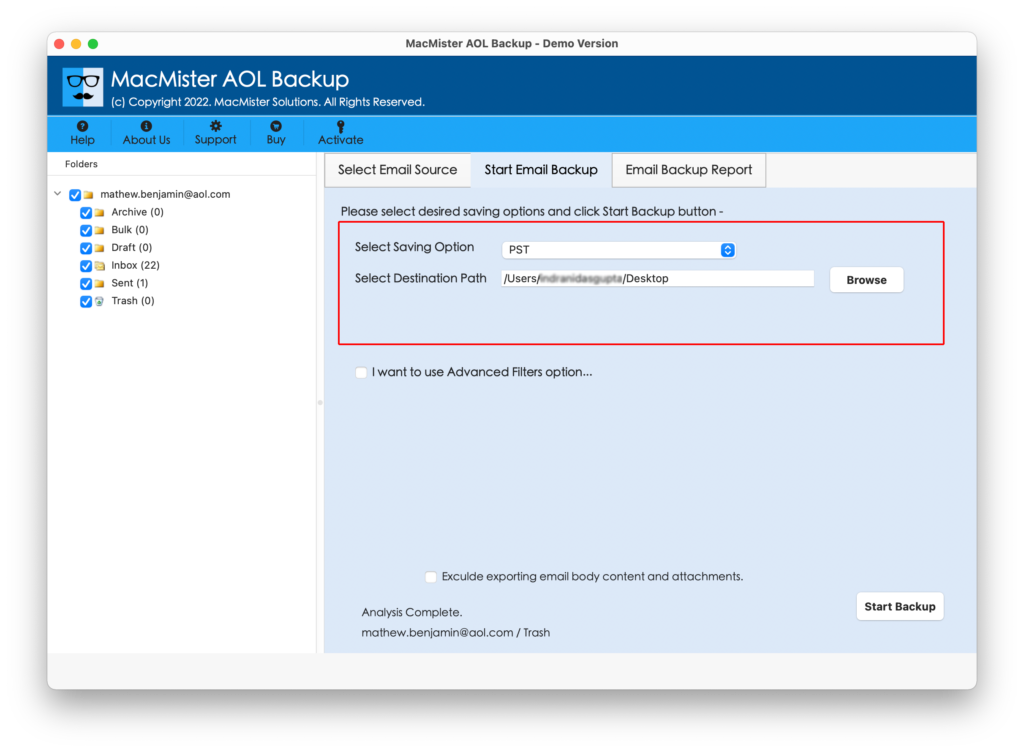
Step 9. Specify the sub-options of the selected saving type as per your needs and then click on the Start Backup button.
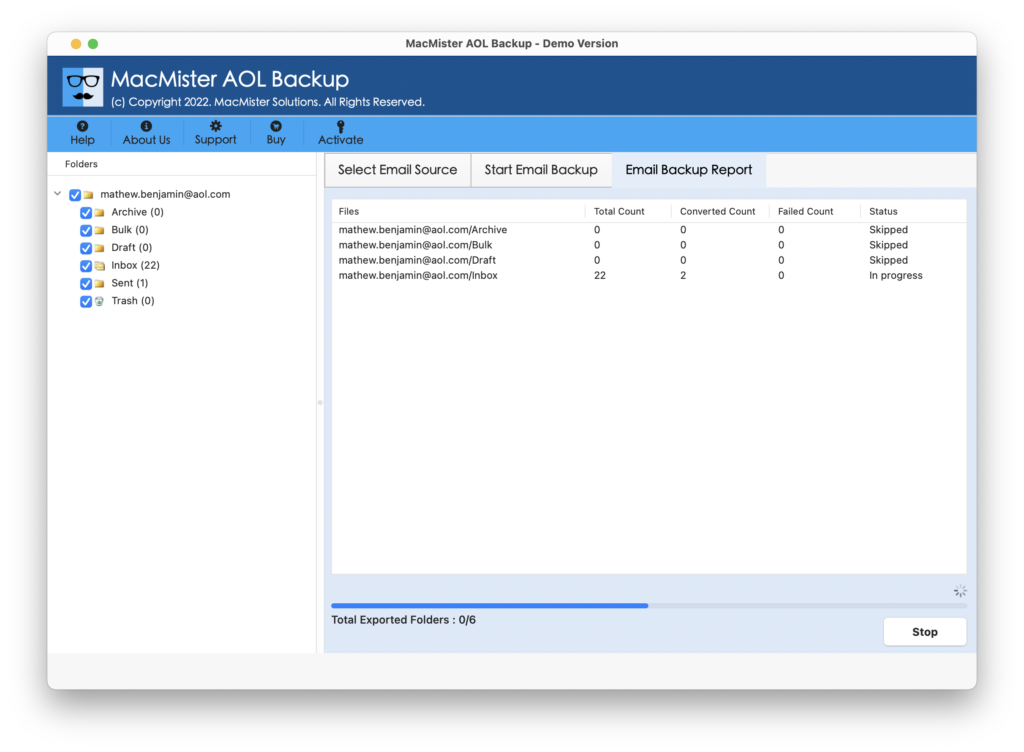
Step 10. Now you can see the Email Backup Report that shows the live backup process of AOL emails.
Step 11. The process finishes with a pop-up message “Process Completed”. Click OK to close it.
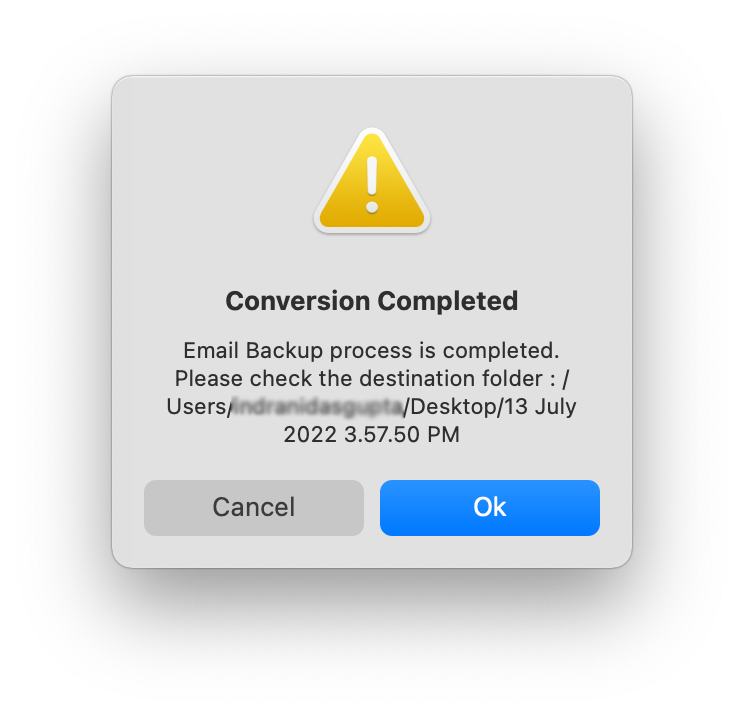
However, you can now go to the location where the resultant files are saved to check the output. There will be no alteration in the data and the formatting properties will also remain intact throughout process.
Why the solution is preferable to recover AOL emails?
MacMister AOL Backup for Mac is a stress-free tool because it is secure, reliable, and user-friendly. Anyone can operate the process using the app and perform the task with ease in a few seconds. Even, the operational steps are fewer, which will save the users’ time and help them finish the backup process in a minimum time.
Moreover, the application is programmed with a lot of features that allow users to save AOL emails on a system into necessary saving types as per requirements. It also has a free demo version that one can download to check the working of the app free of cost.
The software is equipped with plentiful features and some of them are:
- Directly backup emails from the AOL account with attachments in a few seconds.
- Able to retrieve AOL email messages into desktop-based formats such as PST, PDF, MBOX, Thunderbird, EML, EMLx, MHT, HTML, CSV, TXT, and more.
- Allows to transfer AOL emails into multiple webmail services such as Gmail, Yahoo, Outlook.com, IMAP, etc.
- Supports a wide variety of Filters that allow users to download specific AOL emails into the required saving type.
- Simple GUI is an additional advantage as it can be used by any professional and non-professional users.
- Maintains the data originality of AOL emails & attachments during the process.
- Capable of saving the entire INBOX folder into the necessary saving option at once with 100% accuracy.
- It has both Mac & Windows versions that Mac & Windows users can use easily to implement the required task.
Quick Note. Get a FREE DEMO to check more Features and options.
Epilogue
The entire write-up has discussed some tips to resolve the “AOL saved mail disappeared” error. With this, there are some reasons highlighted which are responsible for the occurrence of this issue. Then different approaches are discussed which users can take help of to resolve the problem. Also, one can recover AOL mails using MacMister Email Backup Software for Mac & Windows. It is beneficial for saving plentiful emails from AOL accounts into multiple saving options without data loss. It also has a trial edition that allows users to download and recover 25 AOL emails free of cost.