Easy Way to Add & Migrate EarthLink Email to Mac Mail
Are you migrating to Mac Mail from EarthLink email client? Worried about the emails stored in EarthLink account? Wondering how to migrate EarthLink email to Mac Mail trouble-free? Looking for ways to implement the required task? Not to worry, read the segment carefully and you will find a solution which will easily add EarthLink email to Mac Mail with 100% accuracy.
Overview of EarthLink & Apple Mail
EarthLink
EarthLink is an American internet service provider that also offers webmail service to its clients. The primary features of application is fast internet speed and improved customer support for both business and personal accounts. So, whoever signed up for EarthLink internet access will get EarthLink email account support free.
To get accessibility of EarthLink webmail accessibility, first subscribe to EarthLink’s internet, mobile, or TV options. Currently, it is impossible to get an EarthLink webmail login without subscribing one of EarthLink webmail services. Because, the EarthLink email will be used to communicate about EarthLink services such as customer support or payment information.
EarthLink is suitable for both personal and professional account. However, you will lose access to EarthLink webmail if you cancel one of its services. However, the advantage of using EarthLink webmail is that it is compatible with multiple email applications, so you do not need to login to EarthLink webmail every time to view its emails.
Apple Mail
Apple Mail is a default email application of Mac OS, designed by Mac itself. It delivers a range of many powerful options which are optimized for Mac OS operating system.
With Apple Mail, one can easily handle multiple email accounts, create custom smart mailboxes, and use smart filters for email organization. It also includes multiple email protocols such as IMAP, POP, and Exchange, making it suitable for several email service providers to integrate.
Additionally, Apple Mail supports seamless integration with other Apple applications such as Calendar and Contacts. Overall, Apple Mail is considered as a reliable and convenient platform for Mac power users.
Why do users want to add EarthLink Email to Mac Mail?
EarthLink and Apple Mail are both great platforms when it comes to email management. But still there are some issues in EarthLink webmail that users no longer tolerate such as:
- Low disk space.
- If you didn’t login to EarthLink webmail for more than a month, then all your emails will be deleted.
- EarthLink will not deliver emails to those accounts who are not active for a week.
- The webmail is only for EarthLink services such as payments and customer support.
- Only 1,000 emails should be sent per day.
How to Migrate & Add EarthLink Email to Mac Mail?
The easy and simple way to add EarthLink email to Mac Mail is MacMister Email Backup Software for Mac & Windows. The application allows you to choose EarthLink from the left, specify EarthLink details, select MBOX as a saving option, and click on Start Backup button. After this, the tool will directly add EarthLink email to Apple Mail with emails and attachments. The software is friendly, safe, and reliable. Any technical and non-technical users can operate it effortlessly and perform the process in minimum time.
Moreover, there are several features available that will help you to gain the desired results in few seconds. However, download its free demo now and check the complete software for free.
Working Steps to Add EarthLink Email to Mac Mail on Mac
Step 1. Download and open MacMister EarthLink to MBOX Converter for Mac on your Mac platform.
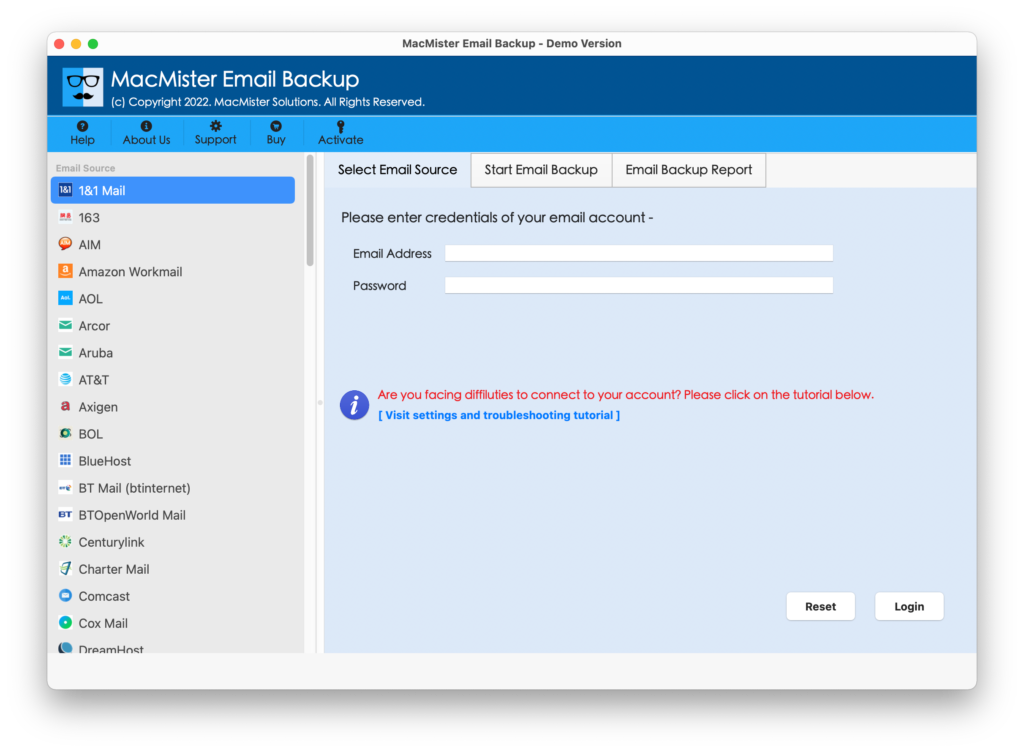
Step 2. Select EarthLink option from the left. Add EarthLink details and click Login button.
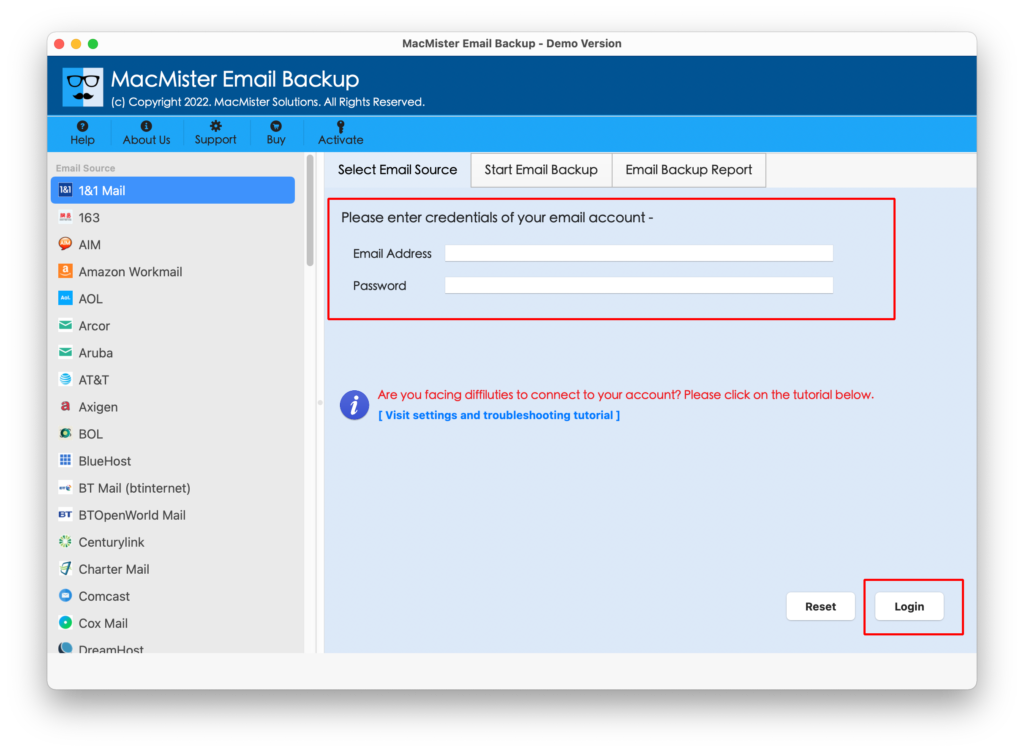
Step 3. EarthLink account details will be authorized by the tool and all its mailboxes start appearing on the left pane.
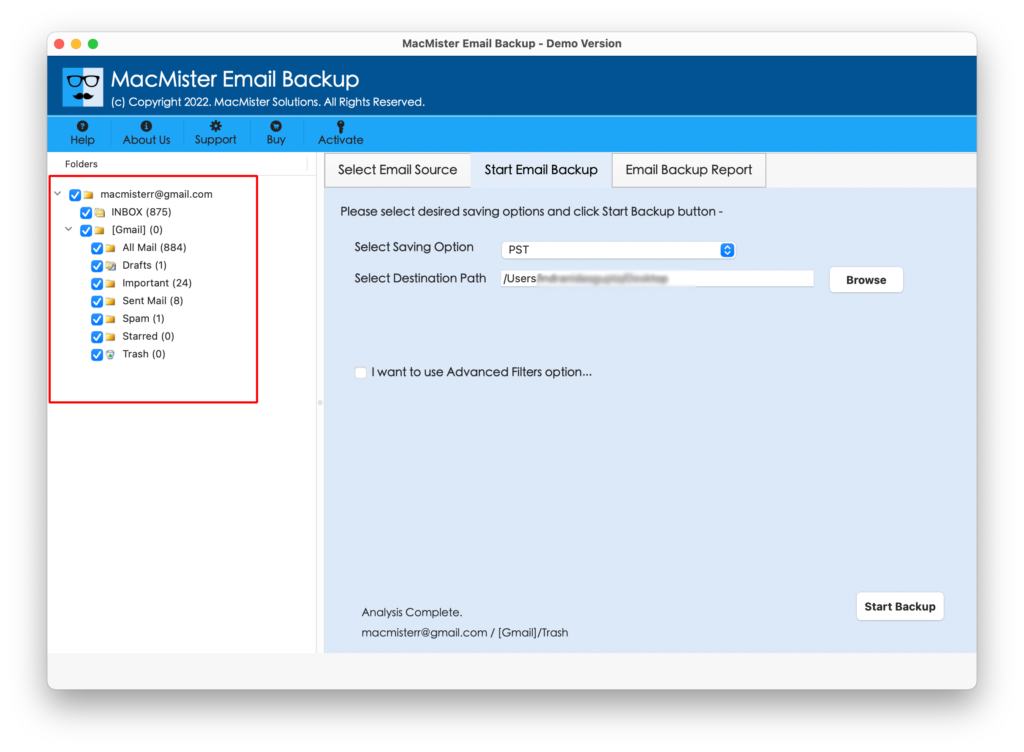
Step 4. You may go to right, click on Select Saving Options, and choose MBOX from the list.
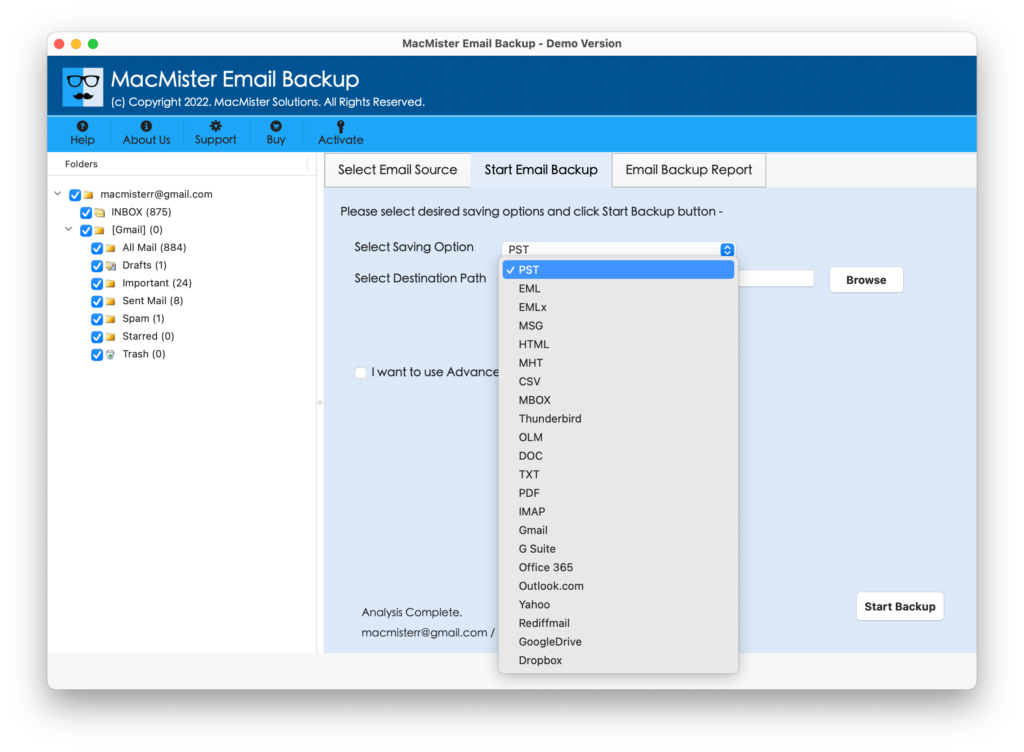
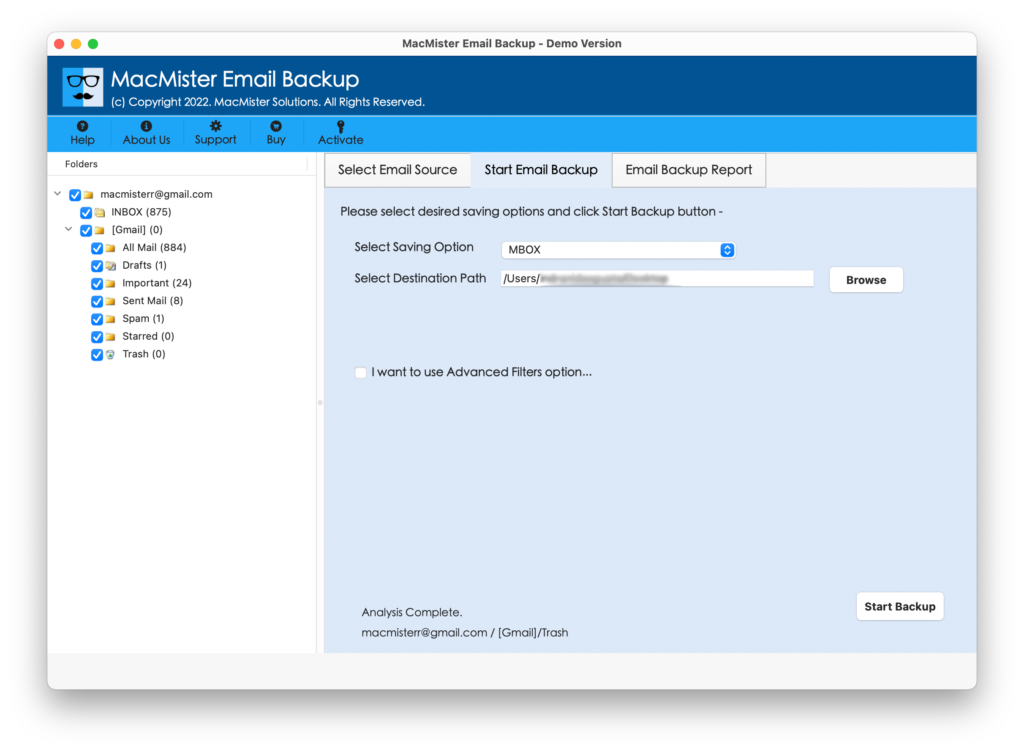
Step 5. Set MBOX options and filters as per your requirements and then click on Start Backup button to start the process.
Step 6. The Email Backup Report screen appears which will show the ongoing migration status of EarthLink emails.
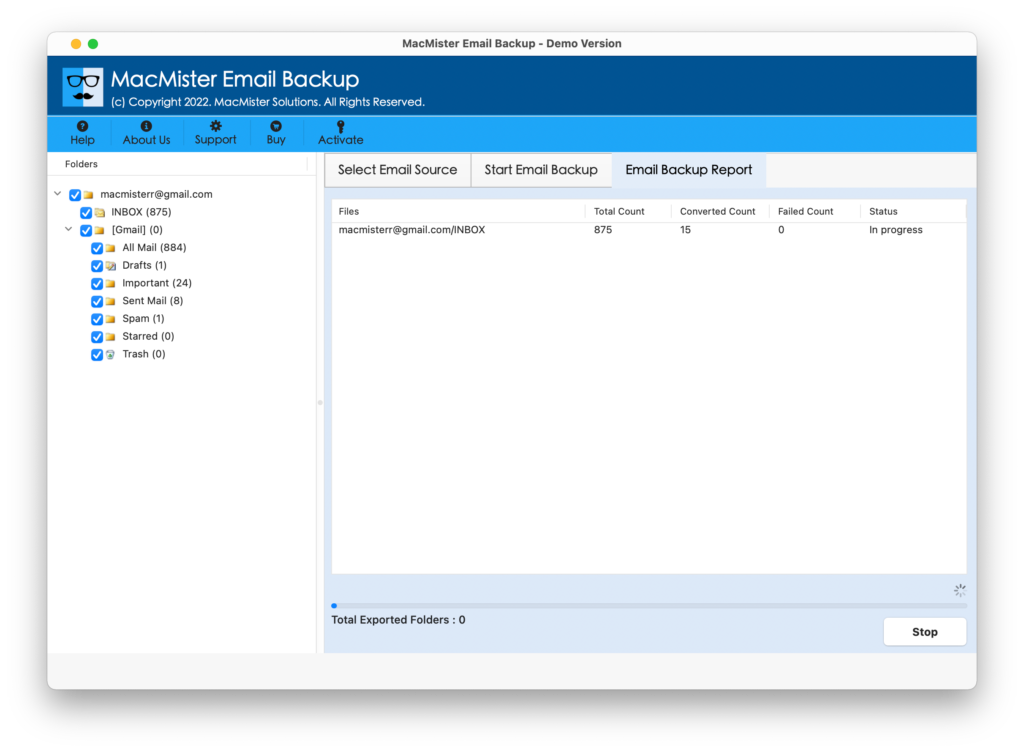
The process finishes in few seconds and then “Process Completed” pop-up will appear that confirms that the tool has successfully finished adding EarthLink emails to MBOX file. Now, you can open Apple Mail email account to get resultant MBOX files.
Guide to Add MBOX File in Apple Mail
Step 1. Run Apple Mail on your Mac device.
Step 2. Click on File to select Import Mailboxes… option.
Step 3. Proceed with Files in MBOX Format option. Click Continue.
Step 4. Go to location of MBOX files. Select them and click Choose.
Step 5. You can now view live import of MBOX file. Click Done once it finishes.
Step 6. Apple Mail window will appear. Go to left pane and under On My Mac, you will find new Import folder.
Double-clicking the Import folder will show Inbox folder with the total count of email messages. You can open the required email file to verify the output. However, there will be no change or alteration in the emails. The content will remain preserved and the metadata properties will also appear correct after the process.
Epilogue
The write-up here highlighted a powerful tool to fix “how to add & migrate EarthLink email to Mac Mail?” The solution is completely safe and effective. Any Mac & Windows OS version can download it and perform the task without facing any trouble. It has a trial edition as well which you can use to check the software working. Moreover, one can add first 25 EarthLink emails to Mac Mail supported MBOX format free of cost.