How to Transfer Emails from Spectrum to Gmail on Mac & Windows?
Did you find Gmail quite impressive for email management and thus thinking about moving onto same from Spectrum webmail service? Simultaneously wondering how to transfer emails from Spectrum to Gmail with ease? Searching for an effective and trouble-free solution for the same? No worries, just follow the segment and you will discover a technique that will directly transfer Spectrum emails to Gmail with attachments effortlessly.
Email has become a cost-effective and effective way for digital communication through internet. All individuals and businesses utilize email to convey essential information and improve security for profiles as well as accounts. And the best part is anyone can have an email account because it is free to use and available on variety of platforms.
Quick Tip. Download MacMister Email Backup Software for Mac & Windows that offers 90+ webmail sources from which users can choose the desired one and export the emails of the same into 15+ saving options. Get its freeware version right away and explore its entire working for free.
Spectrum email is one of them; it is an American-based online email platform that works similar to any other email services such as Zimbra, Outlook 365, Lotus, and more. Previously it was known as Charter Mail. The webmail has gained lot of popularity among users and became one of the most popular email service providers in United States of America. It is secure, reliable, and makes use of SMTP to send email messages. Moreover, users can integrate Spectrum email with any desktop-based email application for day-to-day email management.
Why Users are Transferring Emails from Spectrum to Gmail?
Gmail is actually a trending online email platform as it is free, advanced, and highly secure and launched with large storage capacity. It is introduced by Google itself; that is why many users are attracted to it. The webmail has plentiful benefits, some of them are mentioned below –
- Gmail is safe to use as it includes multiple security options to protect user account such as two-step verification, Google prompt, passkeys, and more.
- Support protocols such as IMAP and POP for easy integration with variety of desktop email applications.
- Provides 15 GB of storage capacity that can be enhanced by utilizing Google One service.
- Offers applications such as Google Chat and Google Meet to connect with people in real-time.
- Google Drive is another application that allows users to upload their essentials stored on a desktop.
- Equipped with other applications that enhance business productivity such as Google Spreadsheet, Google Contacts, Google Calendar, and more.
How to Transfer Emails from Spectrum to Gmail on Mac & Windows?
The simple and effective way to transfer emails from Spectrum to Gmail is MacMister IMAP Backup Tool for Mac and Windows. With the help of the solution, users can provide Spectrum details with IMAP Host and Port Number and directly transfer Spectrum emails to Gmail with attachments accurately. It has a user-friendly interface which is effortlessly accessible by all professional and non-professional users. Even, the minimum operational steps will save users time and efforts.
Moreover, the application has features that allow users to transfer emails from Spectrum to Gmail according to their requirements. One can download the free demo version of the software for free and transfer first 25 Spectrum emails to Gmail on Mac with attachments free of cost.
Working Steps to Transfer Emails from Spectrum to Gmail on Mac
Step 1. Download, install and run Spectrum to Gmail Backup Tool for Mac on Mac OS.
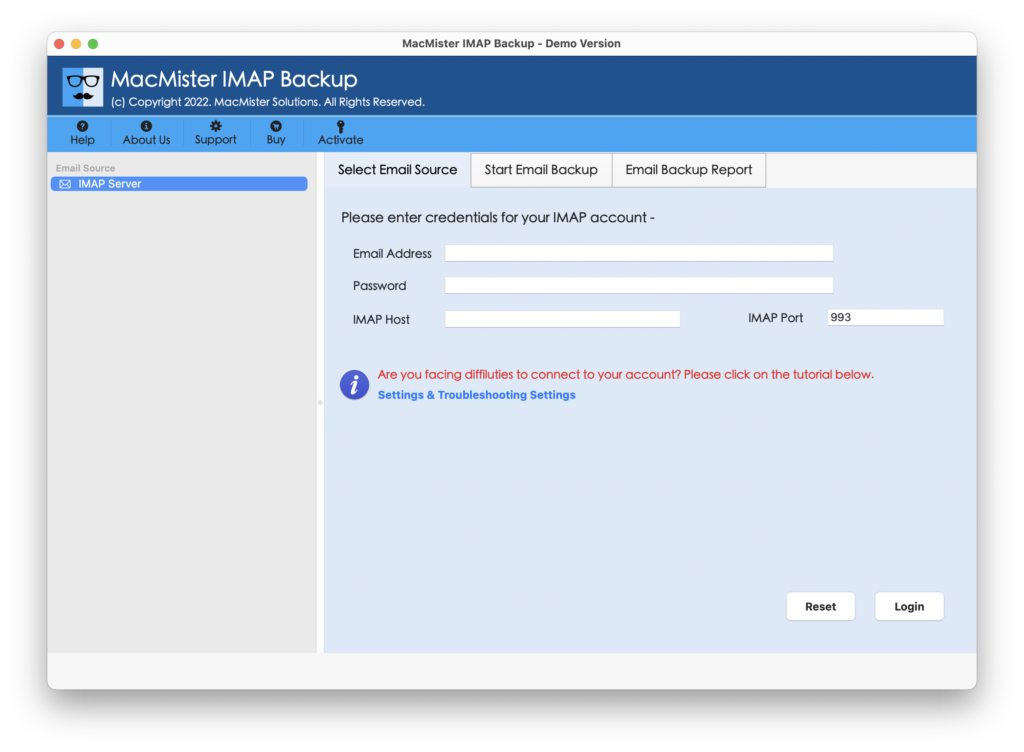
Step 2. Mention Spectrum credentials with IMAP Host and Port Number and tap Login button.
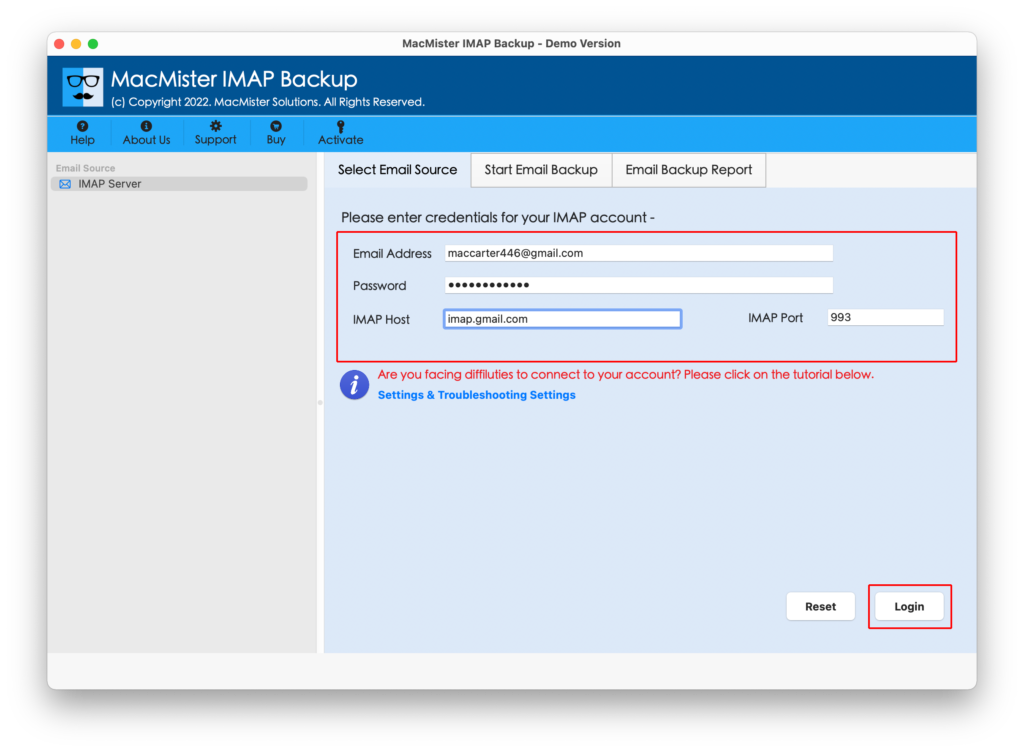
Step 3. The application will authorize Spectrum account and start listing Spectrum mailboxes on the left pane of the tool.
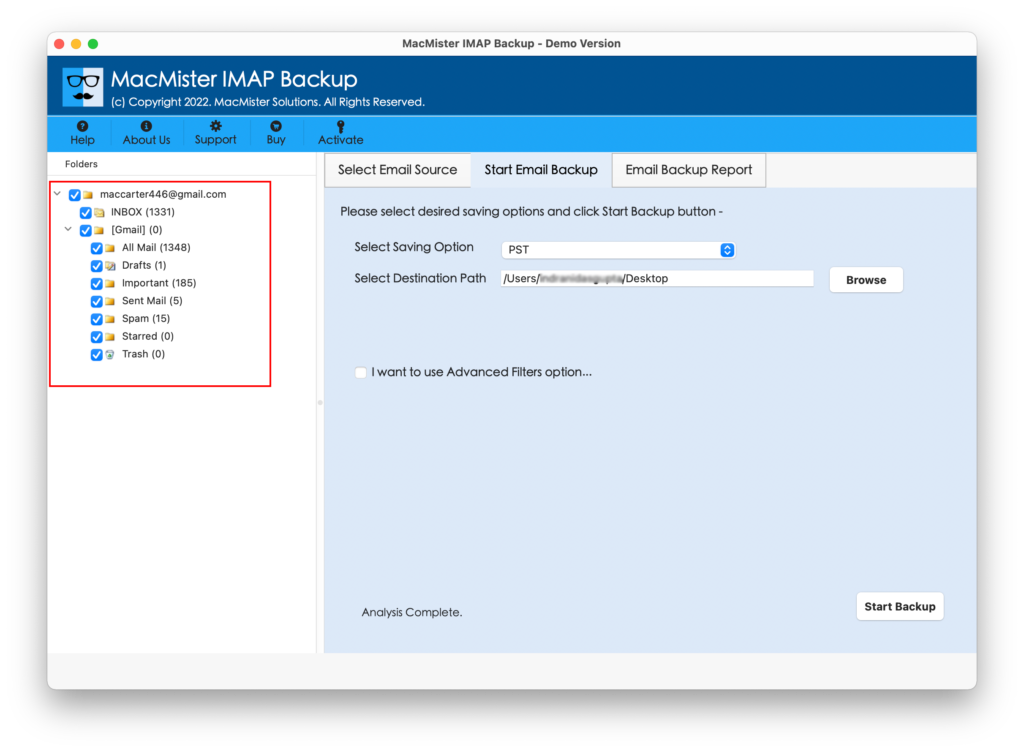
Step 4. Go towards right-side, click on the Select Saving Options and choose Gmail option.
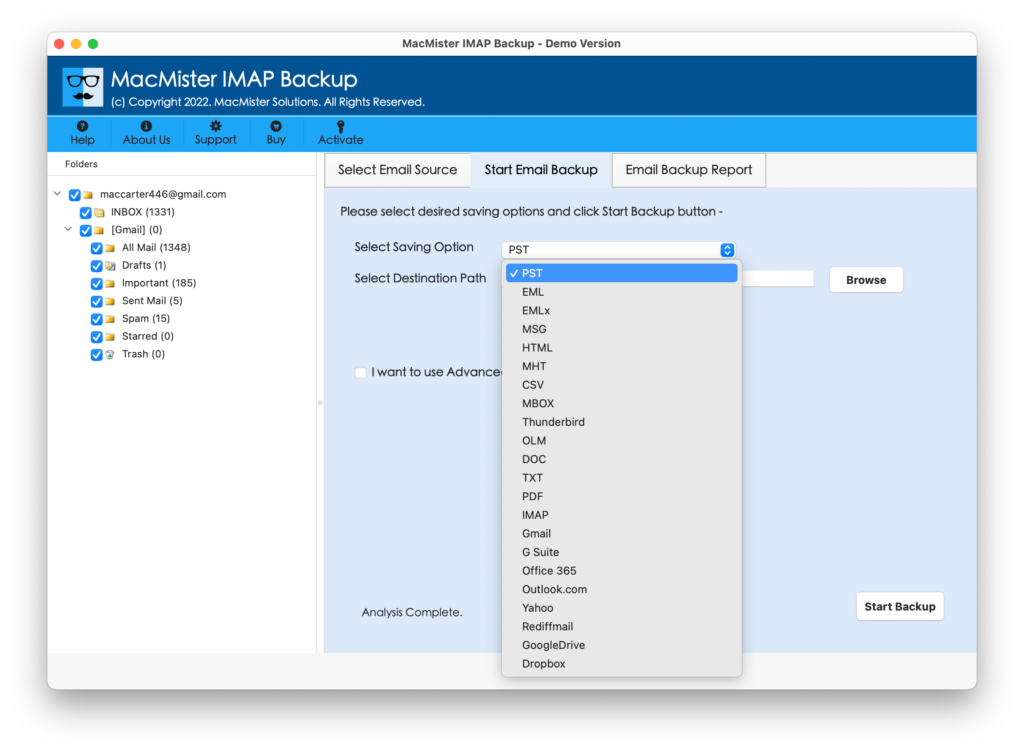
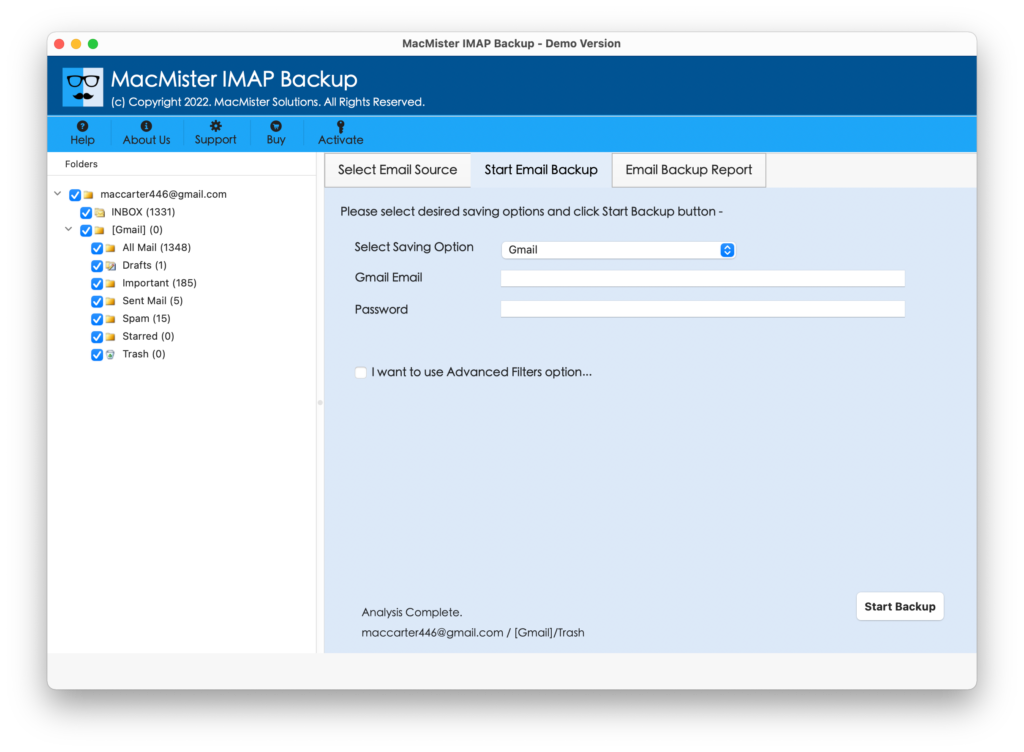
Step 5. Specify Gmail login details in email ID and password field. Apply Filters to transfer particular emails from Spectrum email account, if needed. Otherwise, tap Start Backup button.
Step 6. The tool will show Email Backup Report which will display the migration status of Spectrum emails.
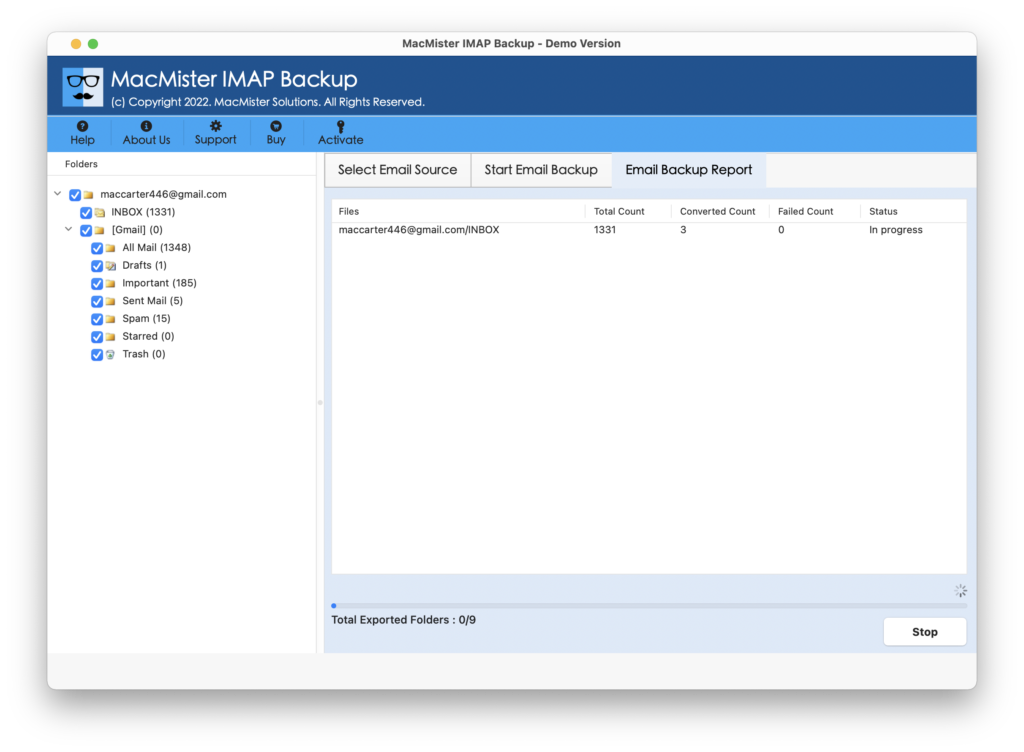
The application will end the entire task with a pop-up message that confirms that the process is completed successfully. Click on OK and login to Gmail account to check all the files. Users will find no alteration in emails after conversion. Every email message will appear with correct content, formatting properties, and layout.
Why to Choose MacMister Spectrum to Gmail Solution?
MacMister Spectrum to Gmail is a remarkable way out for transferring Spectrum emails to Gmail in bulk on both Mac & Windows. The software includes the list of powerful features that users can take help of to transfer emails from Spectrum to Gmail as per specific requirements. Some of them are highlighted here –
- Directly transfer Spectrum emails with attachments to Google Mail on Mac & Windows.
- Offers advance Filters to transfer Spectrum emails to Gmail according to preferential date, month, subject, etc.
- Keeps the data original and accurate of Spectrum emails throughout the process.
- Supports 15+ more saving options other than Gmail such as PST, PDF, OLM, EML, EMLx, MHT, HTML, DOC, IMAP, Yahoo, Office 365, and more.
- Designed with a friendly atmosphere so that any technical and non-technical user can manage the tool and operate the process effortlessly.
- Capable to transfer emails from Spectrum to Gmail on the complete range of Mac OS versions including Mac OS Sonoma.
- Windows users can utilize the application on Windows 11 and all its earlier editions.
Quick Note. Download FREE DEMO to experience software features & it’s working in Detail.
Epilogue
In the write-up, we have discussed an incomparable way to transfer emails from Spectrum to Gmail with attachments on Mac & Windows. The software has a friendly outlook so that anyone can handle the task effortlessly and transfer Spectrum emails to Gmail with ease. Even, the migration will be performed without data alteration.
Moreover, users will receive their emails with accurate email messages and metadata properties. However, one can download the trial edition and check the complete working of the application for free. It also allows to transfer first 25 emails from Spectrum to Gmail free of cost.