How to Import Ziggo Emails to Gmail Email Account on Mac?

Plenty of users need to move from one email platform into another due to various reasons such as Google Mail to experience better functionality and security. And if in case you are one of those users who is looking for a trouble-free solution, then this blog will definitely help you out. It showcases an easiest approach to import Ziggo emails to Gmail profile and at the same time provide the advantages of switching from Ziggo Mail to Gmail account. For a reliable and direct way to export Ziggo emails to Gmail, the guide delivers an incredible solution to cater all the migration requirements.
Ziggo Mail is a commonly used web-based email service which is introduced by Ziggo itself. It is a Dutch-based telecommunications company and is integrated with Ziggo’s different services such as television, internet, and phone services. Also, allow users to send/receive emails using @ziggo.nl email address. Although, it offers standard email functionality but some users prefer to switch into different webmail platforms that provides more advanced features such as Gmail for multiple reasons.
Reasons to Migrate Ziggo Emails to Google Mail Account
There are several reasons present for migrating Ziggo emails to Gmail account. So, here we have highlighted some of them –
- Gmail includes shared calendars, real-time document editing, and integrated chat that enable seamless teamwork.
- Google Mail is known for its trusted and friendly environment, making it a preferable online email management platform over Ziggo Mail.
- Gmail adapts smoothly with expanding requirements, ideal for individuals and businesses.
- Gmail establishes connection with other productivity applications, helps streamlining routine tasks.
- Supports brilliant uptime, making sure that email and data are constantly accessible.
- Offers numerous security options as compared to Ziggo Mail such as two-step verification, passkeys, Google prompt, and more.
- Provides budget-friendly platforms as per users requirements.
How to Import Ziggo Emails to Gmail using Expert’s Recommended Solution?
The direct and easy approach to import Ziggo emails to Gmail account is MacMister IMAP Backup Tool Mac & Windows. By utilizing the solution, one can connect with Ziggo Mail account and import all its emails into Gmail account directly with accurate attachments. The software is friendly and effective. It delivers a GUI which is manageable by anyone with ease. Additionally, it possesses three simple steps which help in accomplishing the entire task within seconds.
Moreover, the tool is designed with many excellent features with the help of users can migrate Ziggo emails to Gmail with attachments on Mac according to the requirements. Download the free demo version of the tool to understand the detailed migration steps of the same for free.
Know Step-by-Step Software Working to Migrate Ziggo Emails to Gmail on Mac
Step 1. Download and run MacMister Ziggo Email Backup Software Mac on Mac OS.
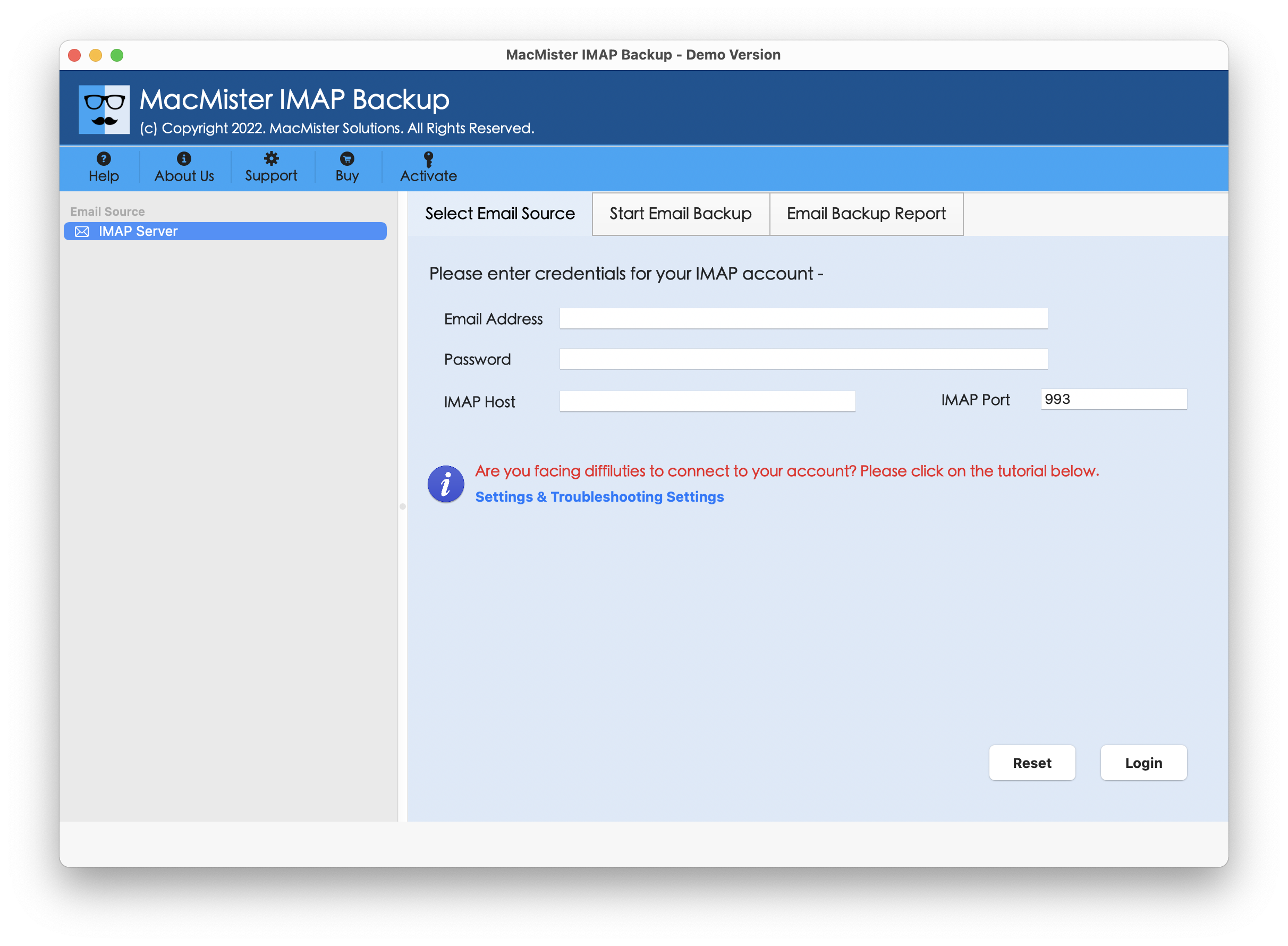
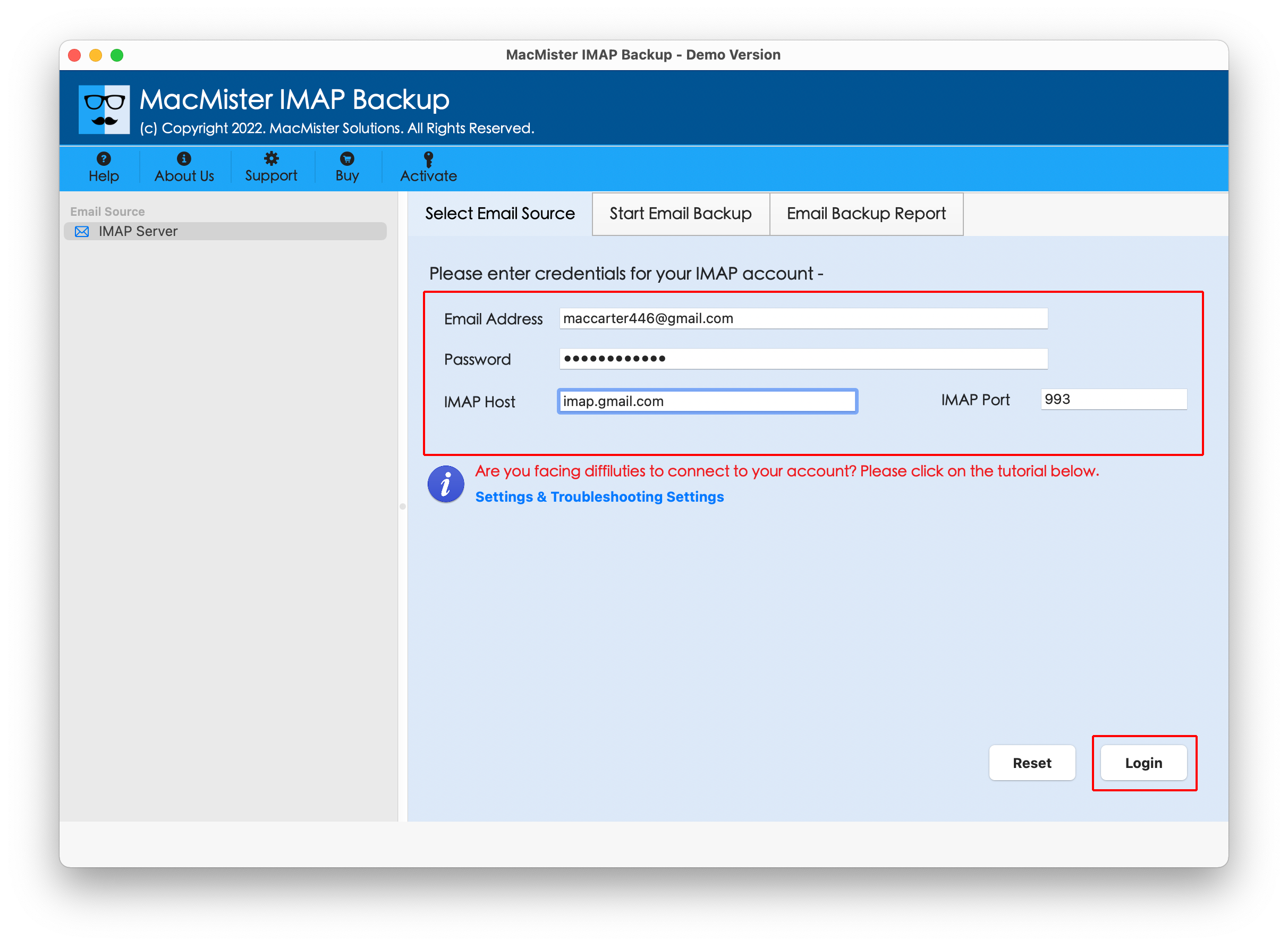
Step 2. Add Ziggo login details with IMAP host and Port number and click Login button.
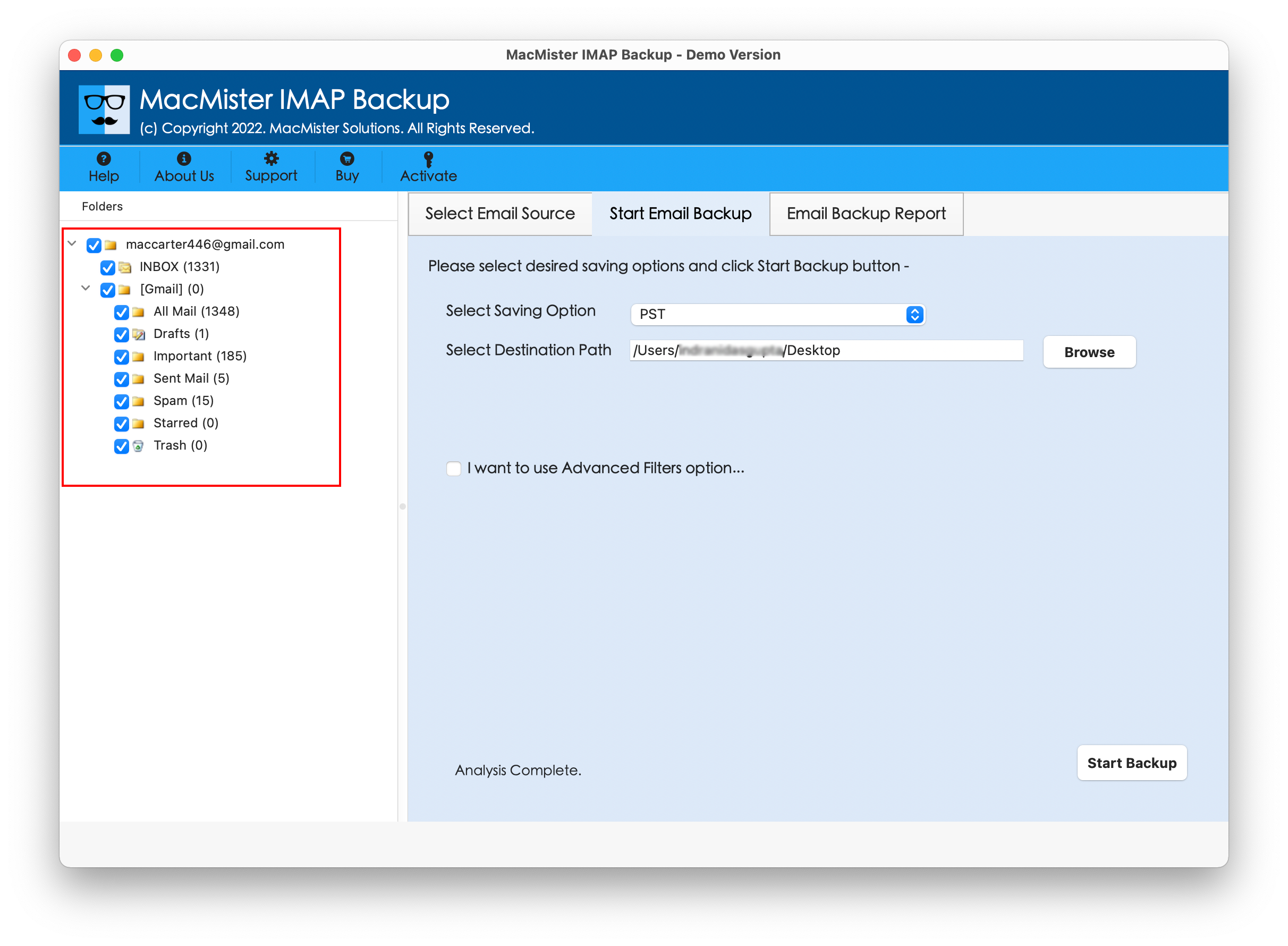
Step 3. Ziggo account will be connected with the application and its folder items start to appear on the left pane of the tool.
Step 4. Go to the right-side of the software, click Select Saving Options, and choose Gmail as a saving type.

Step 5. Add Gmail login details such as email ID and app password, then use the required filtering to migrate specific Ziggo emails, if needed and then tap Start Backup button.

Step 6. The Email Backup Report screen will open which shows the live migration status of Ziggo emails to users.
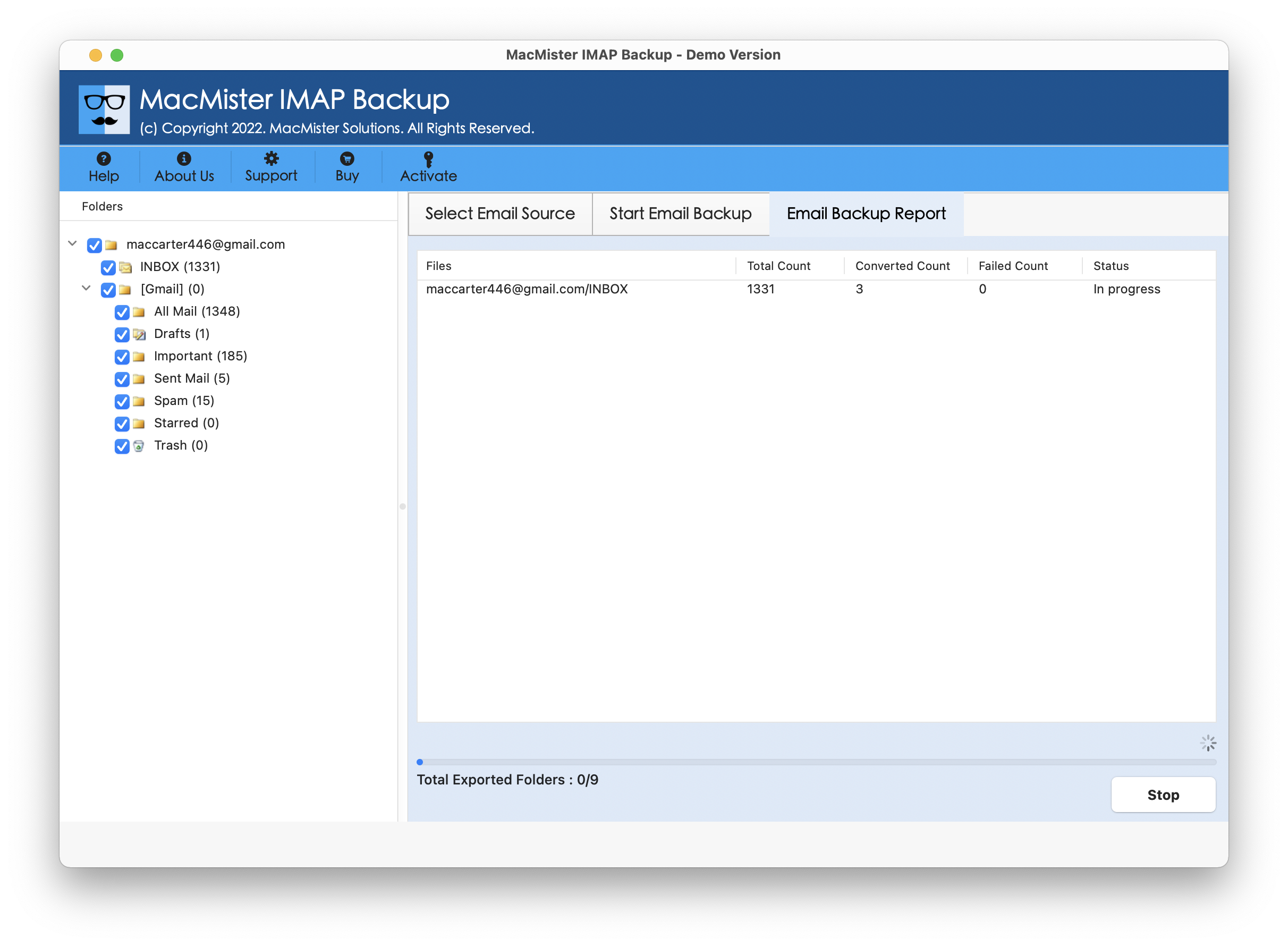
Within seconds, the task will end and then “Process Completed” notification will appear. Click OK button and then go to Gmail account to check resultant files. However, you will see that the application has precisely performed the task. The email structure, email text, and email layout will appear in correct order after the process.
Benefits of the Application
- Directly import Ziggo emails to Gmail account with attachments.
- Provides different types of filter options to import specific Ziggo emails to Gmail.
- Designed with a friendly and secure environment for easy and trouble-free execution.
- Supports over 15 saving types including Gmail such as PST, PDF, MSG, EML, HTML, DOC, IMAP, Yahoo, Office 365, and more.
- Preserves the original data of Ziggo email messages during migration.
- Offers Mac & Windows software versions (supporting all versions).
Epilogue
In the blog, we have described an outstanding solution to resolve how to migrate Ziggo emails to Google Mail account. The solution is secure and friendly. It safely connects with Ziggo email server and allows users to directly import Ziggo emails into Gmail with attachments in few seconds. Additionally, the application is built with remarkable features such as filters with the help of users can migrate specific Ziggo emails with attachments on Mac with ease. Besides, a freeware version of the tool is available that can be downloaded on any Mac OS for free. It also allows users to migrate 25 Ziggo emails for free.