How to Export Horde Email to Outlook on Mac & Windows?
Are you moving to Outlook email client on Mac from Horde and thereby wondering how to export Horde email to Outlook on Mac or Windows safely? Looking for an effective and advanced approach for the same? No worries, follow the article and you will encounter powerful approach that will securely export Horde email to Outlook with 100% accuracy. Now let’s get started by understanding about Horde Webmail in brief and the reasons behind the migration.
What is Horde Webmail & Why Users want to Export Horde Email to Outlook?
Horde is a web-based free email service provider that allow users to send/read or organize email messages as well as manage and share calendars, tasks, notes, and contacts within or outside the organization. However, it is built with different interface for different devices with a unique synchronization process. Moreover, the email service provider is easily accessible through any web-browser from anywhere anytime and on any platform.
Users are exporting from Horde to Outlook is as of April 2023, it is no longer available and it was advised by the company to either move on a secure email client or a different webmail service like Roundcube.
Another main reason why transferring email account from Horde has become essential is due to its code vulnerability that is easily accessible to attacker. It will give them complete control on user’s account. However, in the year 2022 many clients have go through such horrific situation as their entire sensitive data exposed to hackers which further was used to access organization’s internet services.
Therefore, many experts are recommending to opt secure and reliable email application like Microsoft Outlook.
Exporting Horde email to Outlook would be a complex process because one is a web-based email server and another is desktop-supported email client. But no worries, in the further section we have explained an easy and safe method that will directly export all Horde emails to Outlook-supported formats i.e. PST or OLM.
What is Microsoft Outlook?
Microsoft Outlook is a popular personal information manager that is supported by both Mac & Windows compatible platforms. It is a reliable data management source because it is introduced by Microsoft itself. The email application is known for its security, advanced features, and user-friendly environment.
On both the operating systems, it supports similar functioning. The only difference is it creates different file formats on both the platforms. On Windows, Outlook export users’ data into PST and on Mac, it generates OLM format. However, they also have other file formats too that are created for storing emails/contacts/calendars separately.
How to Export Horde Email to Outlook on Mac & Windows?
The direct and powerful way to export Horde email to Outlook is MacMister Email Backup Software Mac & Windows. The application allows to select Horde from the left, provide its credentials, choose PST or OLM as a saving option, set Filters, and click Start Backup button. By implementing these few simplified steps, any user will be able to export entire email list of Horde webmail to Outlook. Also, its user-friendly interface is easily accessible by all professional and non-professional users.
Moreover, the software has many features that will help users exporting Horde email to Outlook according to their requirements. It also has a free demo version with the help of users can test the process to export Horde to Outlook for free.
Working Steps to Export Horde Email to Outlook on Mac
Step 1. Download and run MacMister Horde to PST Converter for Mac on Mac OS.
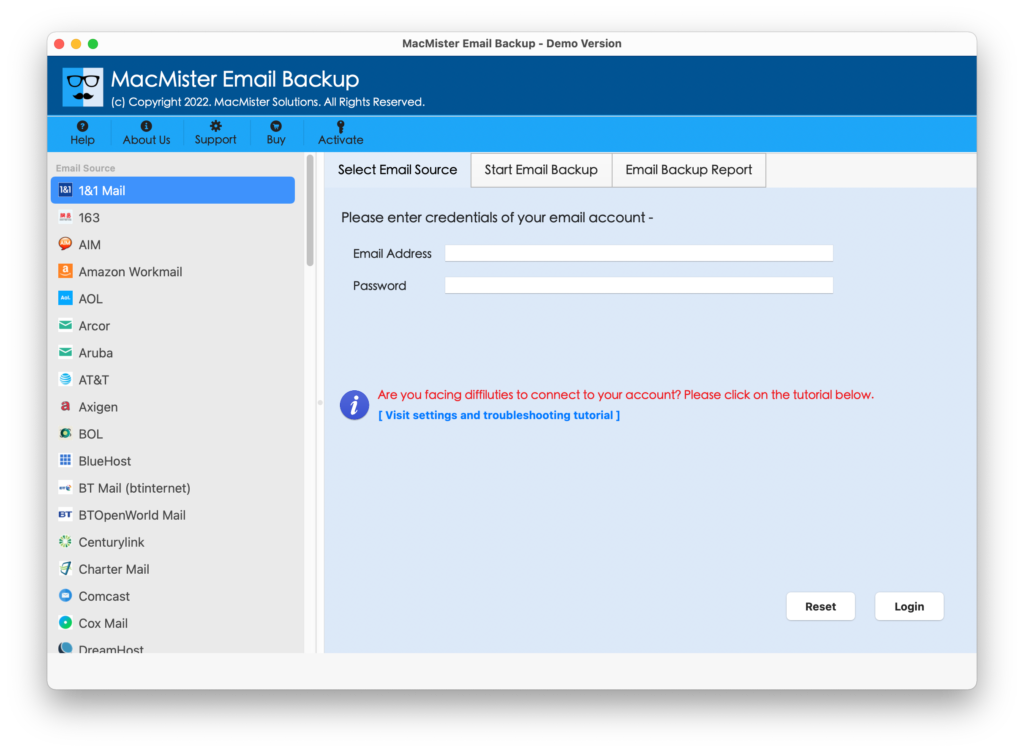
Step 2. Select Horde option from the left. Add Horde webmail details in the required fields. Click Login button.
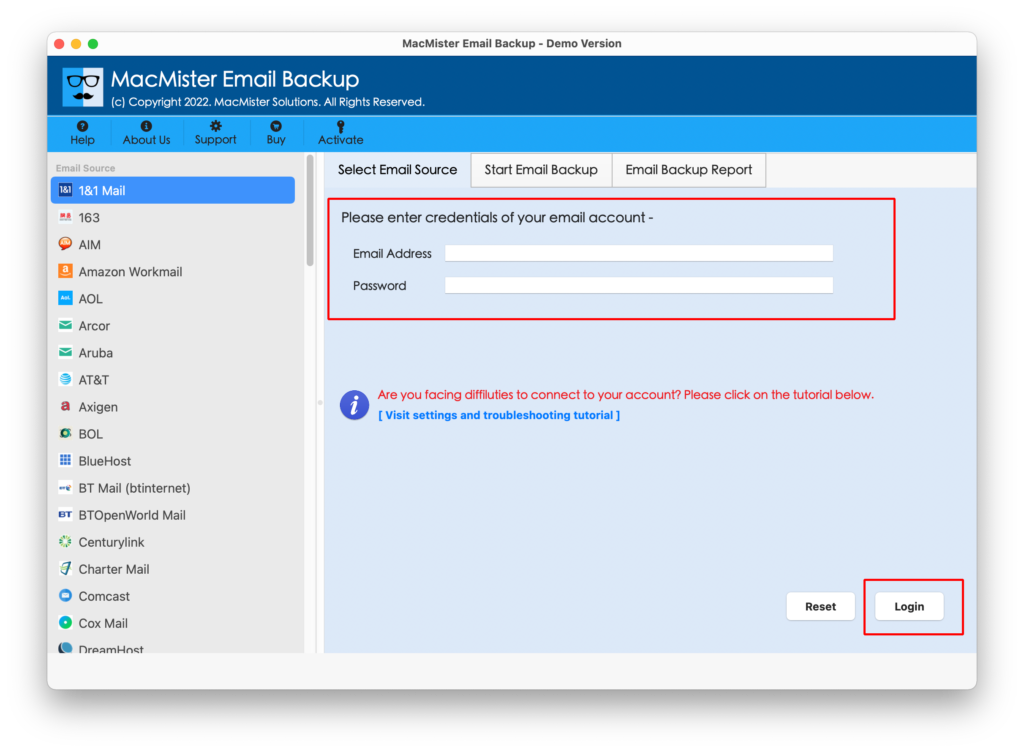
Step 3. The tool will connect with Horde Webmail and start showing its entire mailbox items on the left side of the app.
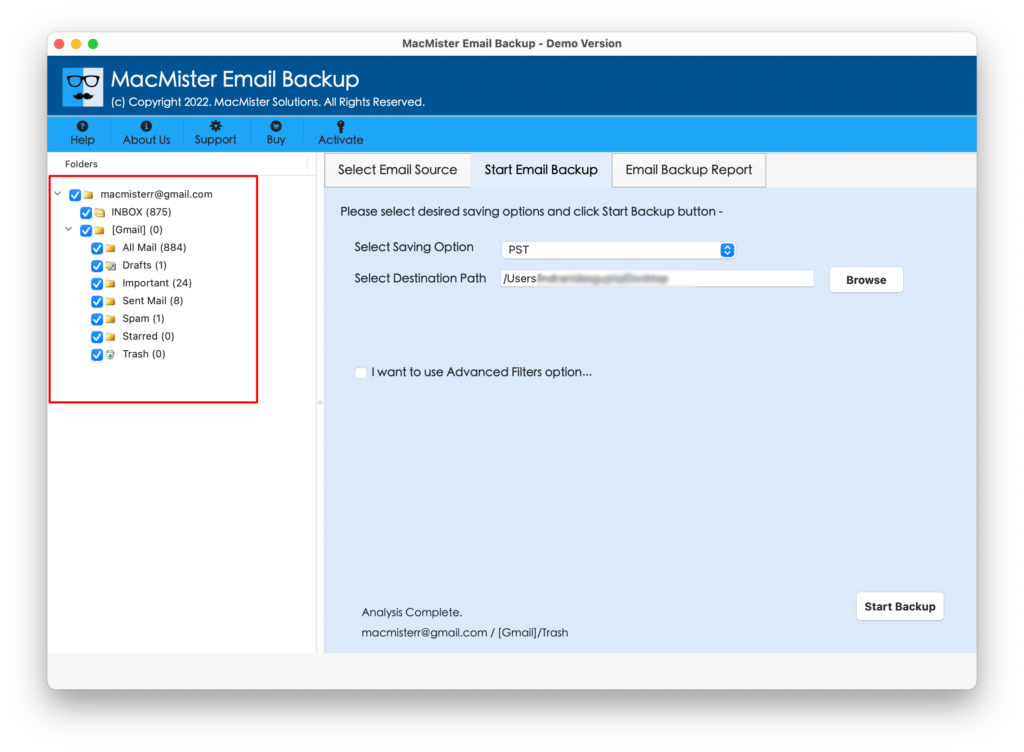
Step 4. Now, go to the right section of the tool, click Select Saving Options, and choose PST or OLM format from the list.
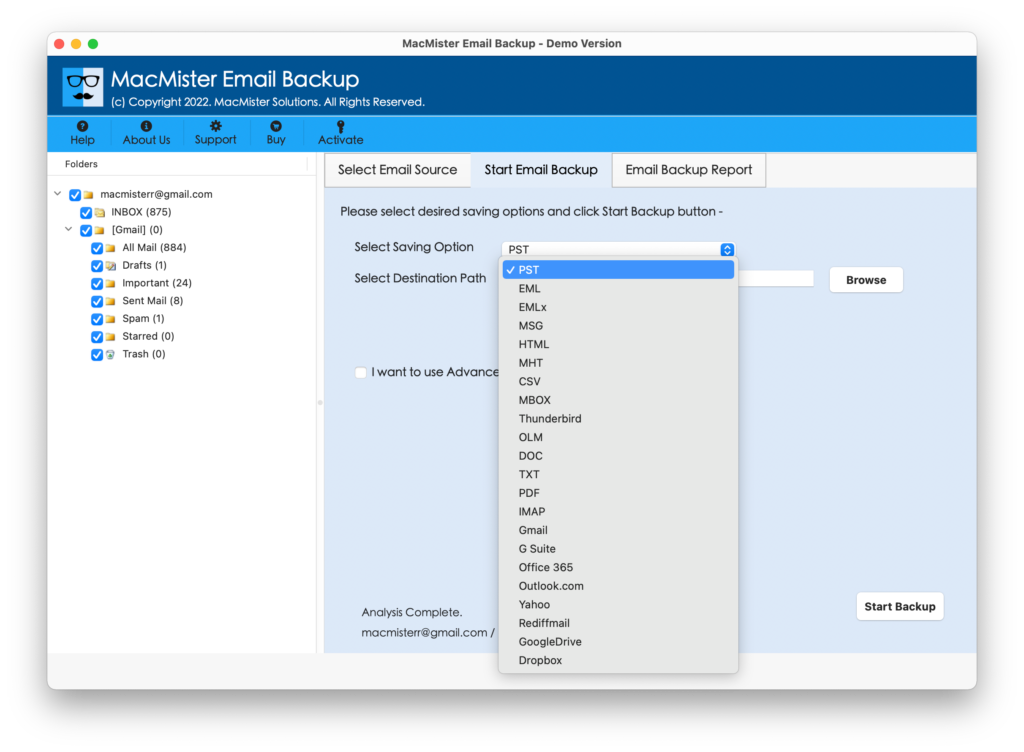
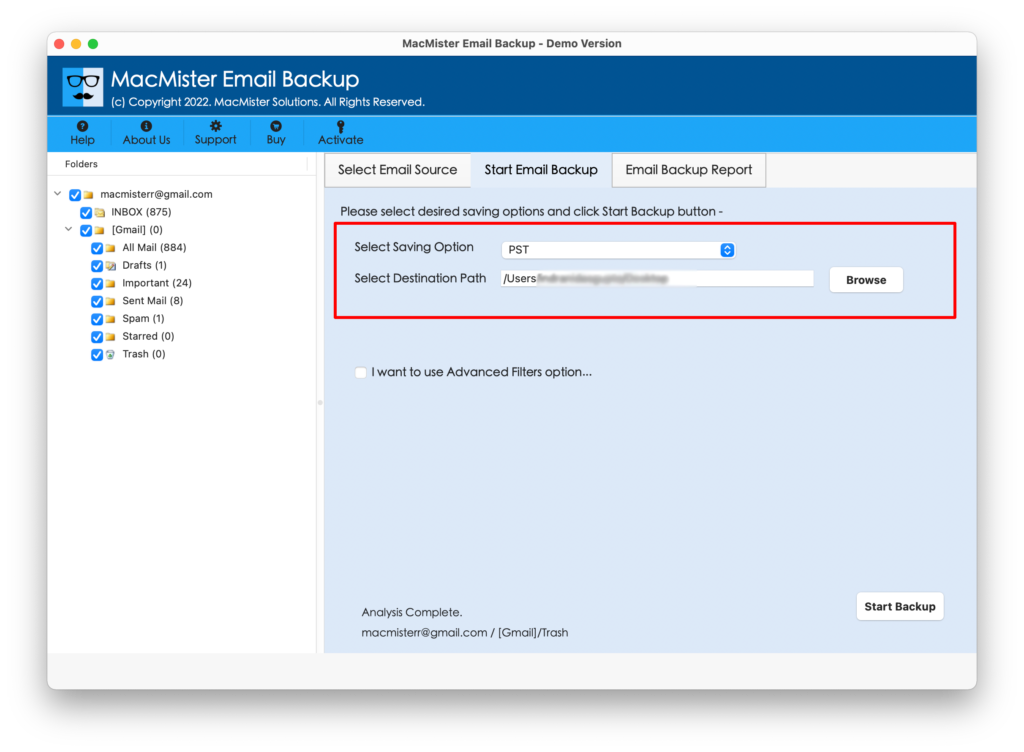
Step 5. You may set their sub-options according to the requirements and even set Filters if you want to export specific Horde emails to Outlook account. Last, click Start Backup button.
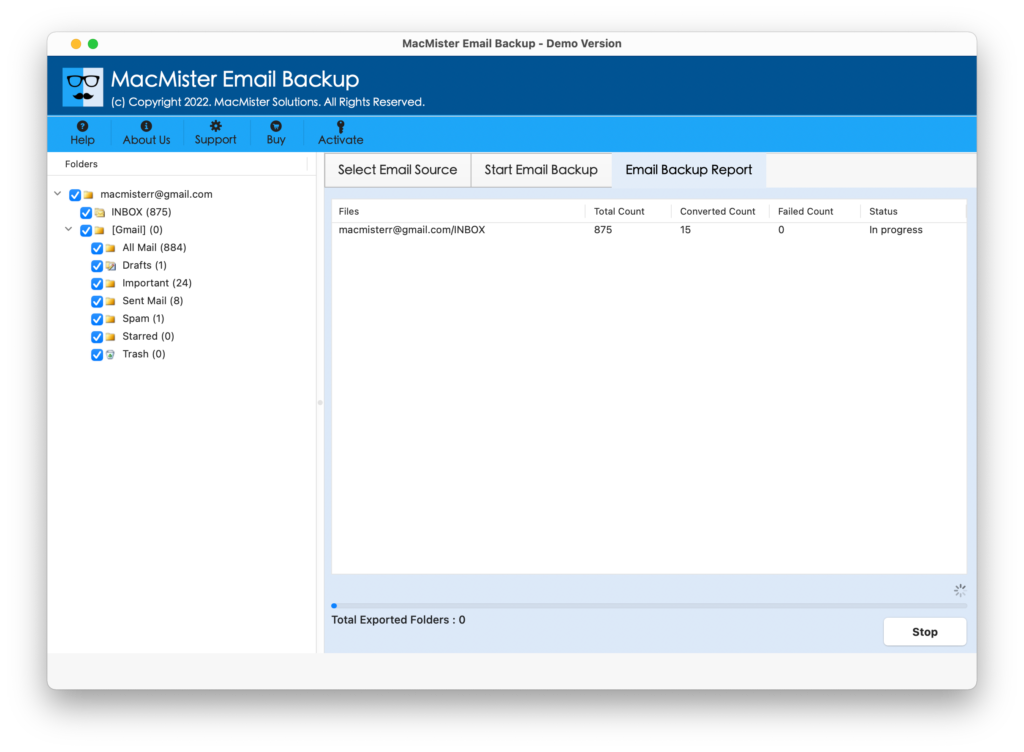
Step 6. The process will take place and an Email Backup Report will appear which display the current ongoing export progress of Horde emails.
The entire process will finish with a pop-up screen confirming that the migration is completed successfully. Click on OK and import the resultant files into Outlook. However, once the import process is done, then you can open the required file to check the result. There will be no alteration in emails, even the layout and formatting properties will also remain precise throughout the process.
Why to Choose MacMister Horde to Outlook Tool?
MacMister Horde to Outlook is an intelligently built application as it not just transfer emails but makes sure to protect the confidential details of Horde webmail throughout the process. Moreover, there are many features available that allow users to export Horde email to Outlook according to specific preferences. Some of them are –
- Directly export Horde webmail emails into Outlook with attachments on Mac & Windows.
- Equipped with both PST and OLM saving options so that users can choose the necessary saving format and export emails from Horde accordingly.
- Provides plentiful Filter options for specific emails conversion such as date range, subject, from, to, etc.
- Keeps email content original and accurate as well as performs the transfer process with correct layout & metadata properties.
- Offers 15+ more saving options other than PST or OLM i.e. PDF, MBOX, EML, EMLx, MHT, HTML, CSV, DOC, IMAP, Thunderbird, Yahoo, Gmail, G Suite, and more.
- Designed with a friendly interface that is easily implementable by all technical and non-technical users.
- Downloadable on the entire range of Mac and Windows OS versions.
Epilogue
The write-up here highlighted an advanced way to export Horde email to Outlook on Mac & Windows. MacMister Horde to OLM Converter for Mac is a stress-free approach as it directly performs the process and deliver results immediately with 100% accuracy. It is a tested and certified solution that users can freely make use of to export unlimited emails from Horde to PST or Horde to OLM format. However, the freeware version of the app is available that allow users to experience the software process for free and also provide them the opportunity to export first 25 Horde emails to Outlook with attachments free of cost.