How to Add & Connect Spacemail to Gmail on Mac & Windows?
Migrating to Google Mail account from Spacemail but worried about all your important emails stored in Spacemail email server? Not sure any appropriate way to access them in Gmail environment? Wondering how to connect Spacemail to Gmail in order to access Spacemail emails in Gmail profile? Constantly searching for an effective method to implement the same? If yes, then no worries at all as in the write-up we will explore a solution that will directly connect Spacemail emails to Gmail with attachments without losing data integrity.
Spacemail is a web-based email and domain hosting service offered by Spaceship.com for businesses. It provides robust security, custom domain addresses, and professional email features with the help of users can launch and manage their businesses online with ease. The email server works as all-in-one platform, combining email hosting with other web services such as web hosting, domain registration, and virtual machines within broader Spaceship product suite.
Gmail, on the other hand is another free web-based email service that is introduced by Google and allow users to manage unlimited emails and digital files online with ease. It offers free storage capacity of 15 GB to store emails and other data. Additionally, Gmail has powerful search capabilities, easy mobile access, and integration with variety of Google services such as Google Drive and Google Photos. One can even utilize Gmail services using a web-browser, a dedicated mobile app, or by integrating it to third-party email applications with the help of protocols such as POP or IMAP.
How to Add Spacemail to Gmail Email Account with Emails and Attachments?
The direct and secure way to add Spacemail to Gmail is MacMister IMAP Backup Tool Mac & Windows. By utilizing the application, users can connect with required Spacemail account and once the connection is established, then the tool will list its entire folder items on the left pane. Then users can verify them, choose Gmail as a saving type, set sub-options and add Spacemail emails to Gmail right away with 100% accuracy. Its interface is also user-friendly. Both technical and non-technical users can make use of the application easily and connect Spacemail to Gmail with precise results in few seconds.
Moreover, the tool is designed with numerous features with the help of users can add Spacemail emails into Google Mail account according to the requirements. However, a freeware version of the software that allows users to experience the in-depth functioning of the same for free.
Know Step-by-Step Software Working to Connect Spacemail to Gmail on Mac
Step 1. Download, install and open the app on macOS.
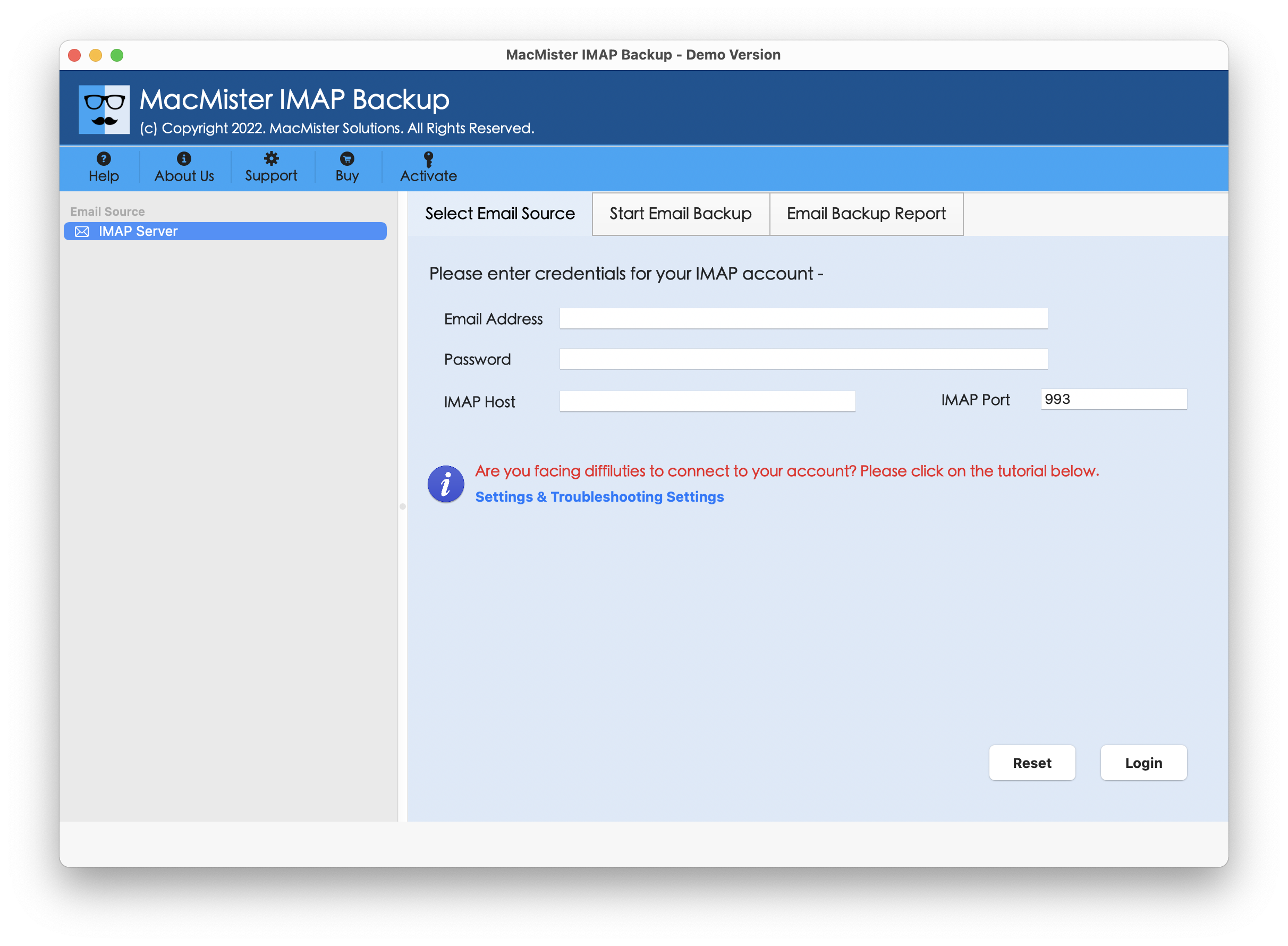
Step 2. Add Spacemail login details, IMAP host, and Port number. Then, click Login button.
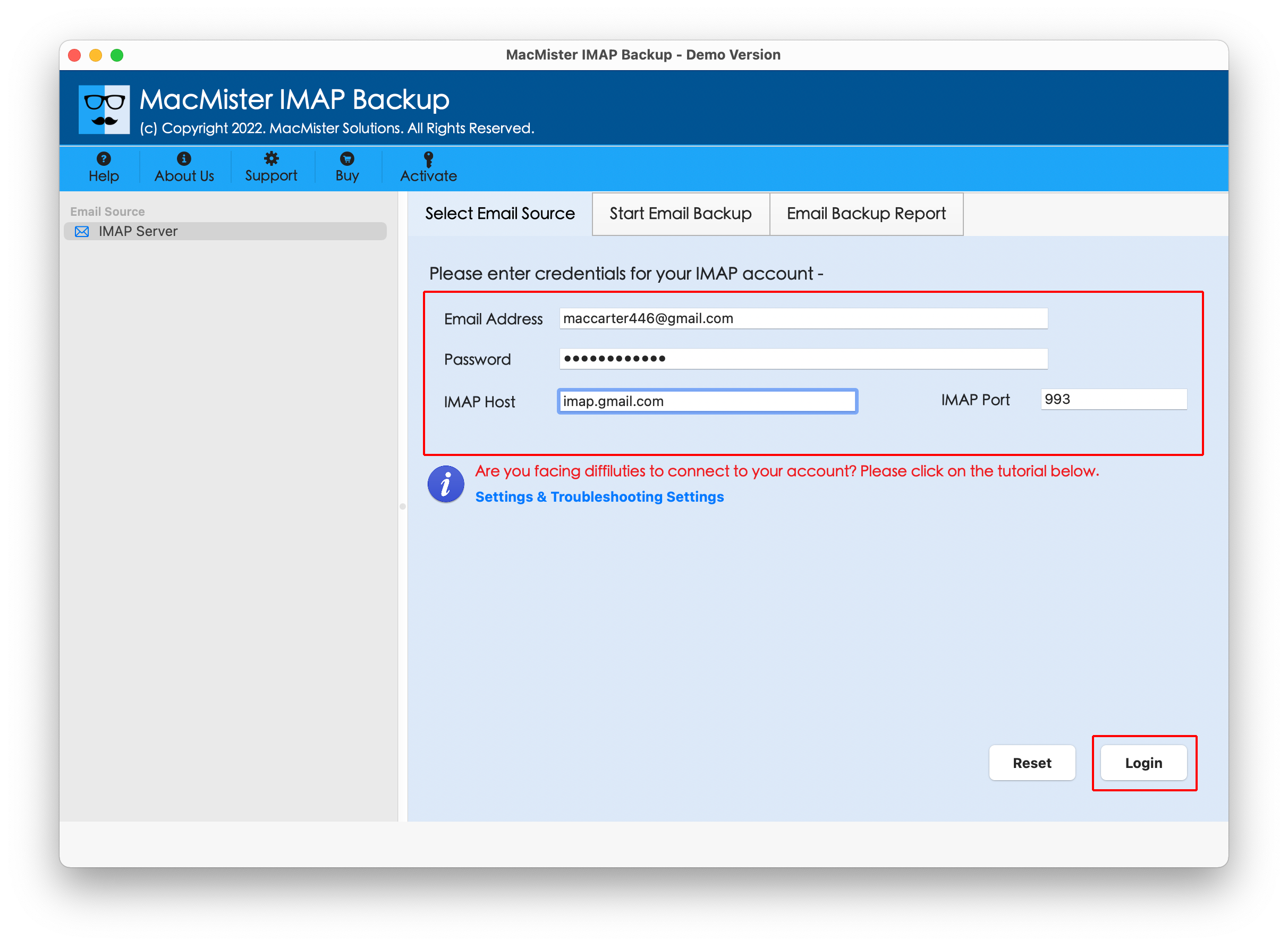
Step 3. The tool will start showing Spacemail folder items on the left screen. Verify them and proceed further.
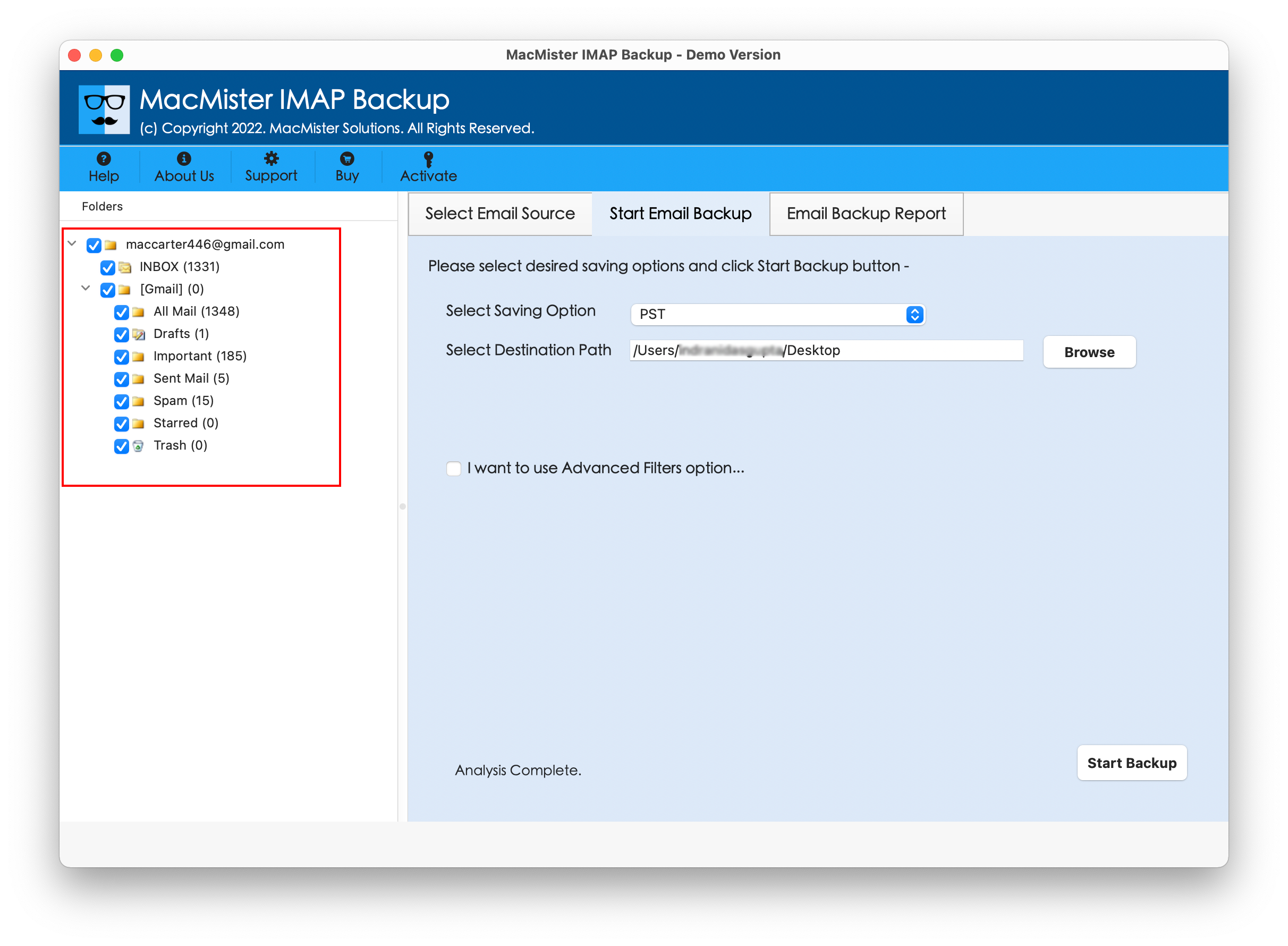
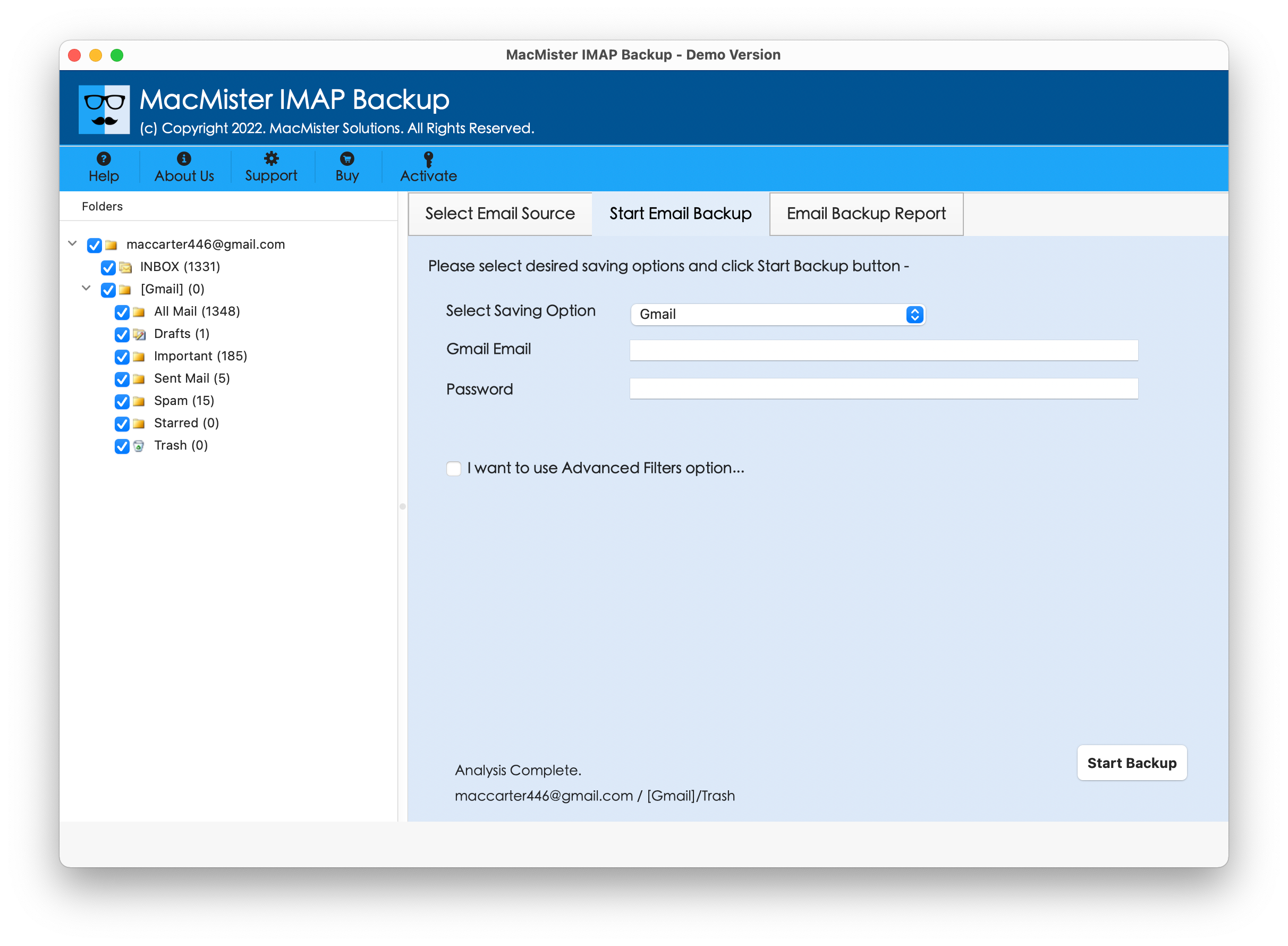
Step 4. Go to the right side of the tool, click Select Saving Options and choose Gmail saving type.
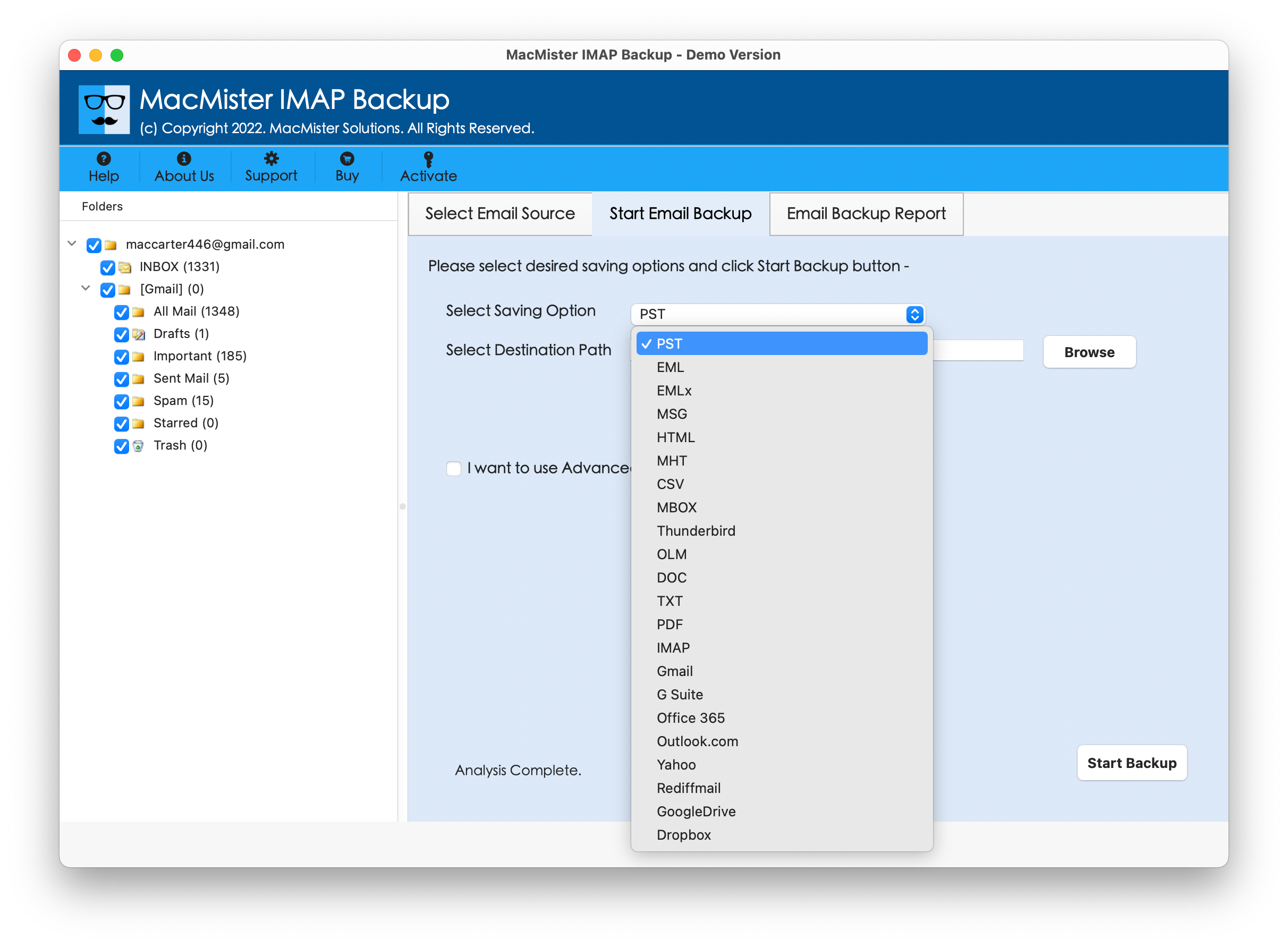
Step 5. Provide Gmail email ID and app password in required fields; apply necessary filtering (if required) and click Start Backup button.
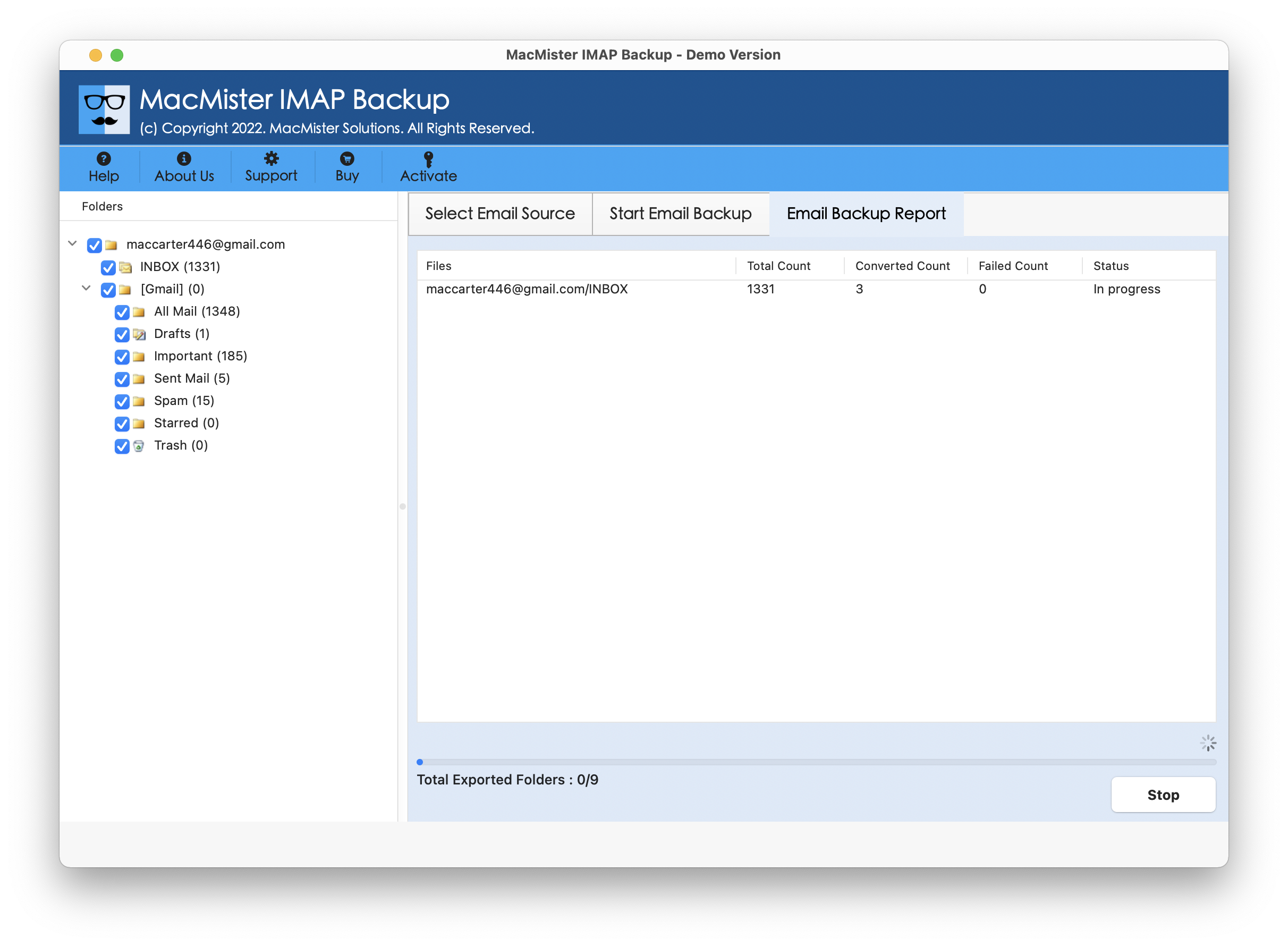
Step 6. The Email Backup Report window will display which provide the live backup progress of Spacemail emails to users.
In few seconds, the task will finish and then “Process Completed” notification will appear on the screen. Click OK and then login to Gmail account to verify resultant files. However, after opening the required imported file, you will see that the tool has accurately added Spacemail emails into Gmail account. The entire Spacemail email message will display with accurate content, layout, and formatting properties in Gmail profile.
Overall, it is a great approach to add, connect Spacemail to Gmail with emails and attachments on Mac & Windows.
Remarkable Benefits of the Application
- Directly add Spacemail to Gmail with emails and attachments.
- Provides different filter options such as date range, subject, to, etc. to transfer only the necessary Spacemail emails to Gmail account.
- Ensures the protection of Spacemail and Gmail credentials throughout process.
- With Gmail, also includes over 15 saving types to add Spacemail emails such as PST, OLM, EML, HTML, DOC, Yahoo Mail, Office 365, Gmail, and more.
- Supports intuitive interface so that technical and non-technical users can carry out the whole task effortlessly.
- Able to move complete email files folder of Spacemail into Gmail at once.
- Shows Live Process Report in order to track the live transfer status of Spacemail emails into Google Mail.
- Enable users to add Spacemail to Gmail on Mac OS Sequoia and earlier versions.
Epilogue
In the write-up, we have offered an exceptional technique to fix “how to add and connect Spacemail to Gmail” on Mac & Windows. MacMister Spacemail Email Backup Software Mac & Windows Tool is a wonderful application to add Spacemail emails into Google Mail profile. Its intuitive environment will provide ease of use to both technical and non-technical users. Additionally, software powerful features such as Filters will help users adding specific Spacemail emails into Gmail email service with attachments. However, it is recommended to download the tool free demo edition to test the migration steps of the app for free. Users can also add 25 Spacemail emails to Gmail account free of cost using the software trial version.