Add and Transfer Emails from Hotmail to Apple Mail on Mac

Want to add Hotmail to Apple Mail on Mac? Need a direct and secure application for implementing the process smoothly! Then simply go through MacMister blog as here we have mentioned a No. 1 solution that will effortlessly move all Hotmail emails to Apple Mail on Mac with attachments.
Hotmail is a popular webmail service provided by Microsoft. It is a web-based email client so users can easily access its services from anywhere irrespective of location and time. The email server only requires good internet connection to run. It is similar to other webmail applications. Therefore, its task is also similar. It help users to manage day to day emails on cloud.
However, in August 2012, Microsoft revamped Hotmail and retitle it to Outlook. Now, the entire list of Hotmail account is upgraded to Outlook.
The most important feature of Hotmail email service is that users will never face an error of out of storage space. Because, it has the ability to store large amount of data. Moreover, managing tasks, creating personalized signatures with a legal signature and automatic email organization are some common and popular options that one can find in Hotmail account.
In spite of these amazing features, still users want to leave Hotmail account. Why? There are several reasons behind this.
Why to Add Hotmail to Mac Mail on Mac?
There are many reasons for transferring Hotmail emails to Apple Mail. Many people and organizations frequently moves from one platform to another. And, the reason could be adaptable more secure operating system or want to experience a different email client GUI. Also, Hotmail has some drawbacks as well and that could also be a reason to leave Hotmail email account. So, here we have mentioned some, take a look –
- The attachment size limit in Hotmail is only 10 MB. While other email services are offering between 20 and 100 MB.
- Hotmail does not support IMAP protocol. However, there are many free webmail service that allow users to use IMAP Server such as Gmail, Mail.ru, AOL and etc.
- It is not for business purposes. If an individual user is using it for personal reasons then it will be fine.
- Hotmail does not provide option of automatic email forwarding. It does forward but only to other Windows Live Hotmail accounts, otherwise one need to pay.
- Automatically erase emails and attachments without notifying users that are marked as junk.
How to Transfer Hotmail Emails to Apple Mail on Mac?
Hotmail Backup Tool for Mac is a right solution for those who wants to directly move Hotmail emails to Apple Mail on Mac. And, to implement the process, users need to simply provide the Hotmail account details and then one need to select MBOX from Select Saving Option. After this click on Start Backup and the tool will start taking backup of Hotmail emails to MBOX with attachments on Mac. Now, users can easily import resultant MBOX to Apple Mail.

The working steps and GUI of the application is very easy. Even, the features added in the software allow users to save Hotmail emails to Apple Mail as per requirements. Users can analyse every operational step and evaluate the process to add Hotmail to Apple Mail on Mac with the help of free demo version.
Steps to Directly Add Hotmail Emails to Mac Mail on Mac
Follow the steps and transfer emails from Hotmail to Apple Mail on Mac:
Step 1. Run Hotmail to Apple Mail Tool on macOS.
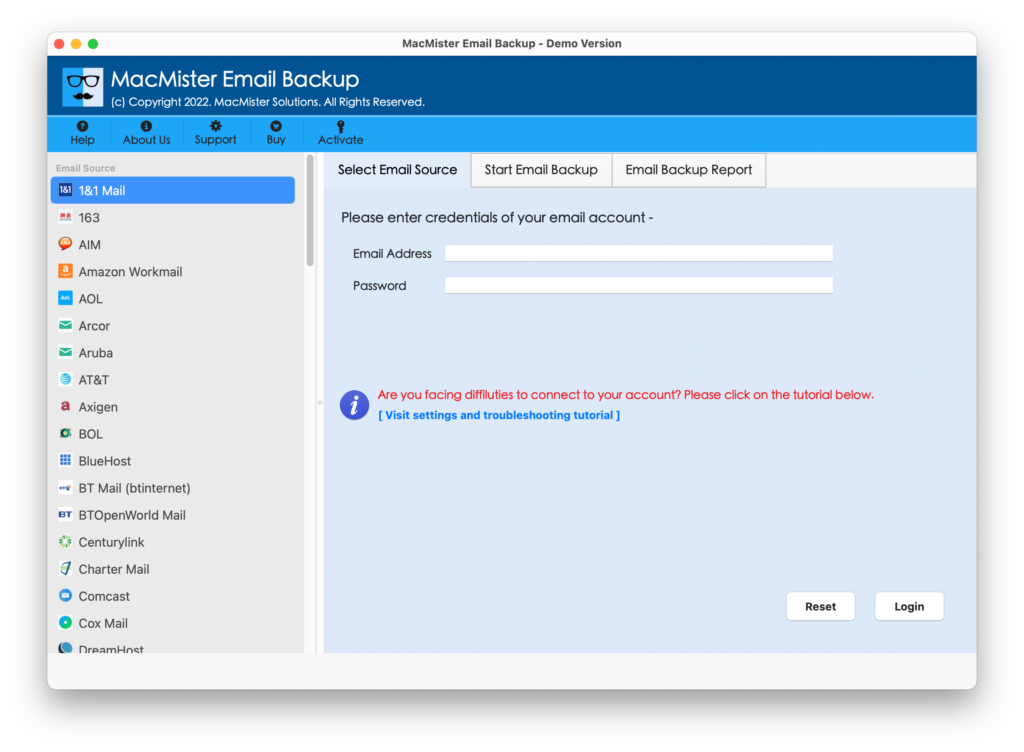
Step 2. The launch screen of the application will appear. Select Hotmail option from the left and add Hotmail account details. Now, click Login.

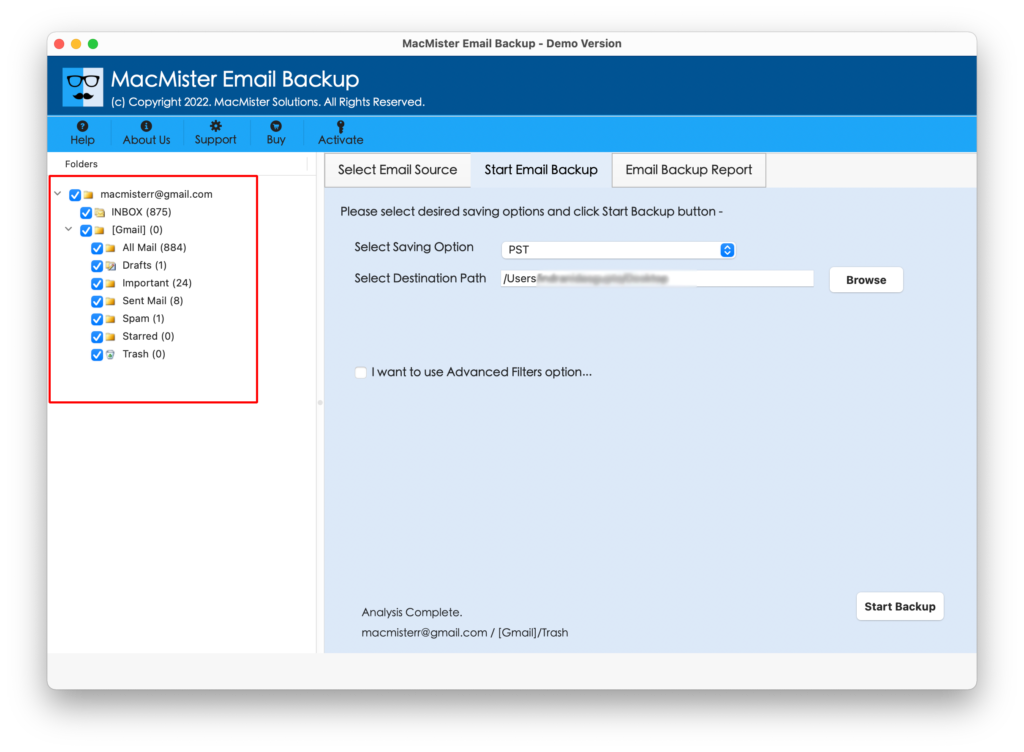
Step 3. Hotmail mailbox lists will appear and each will display with a checkbox. The use of checkbox help users implementing the selective migration of Hotmail to Apple Mail.
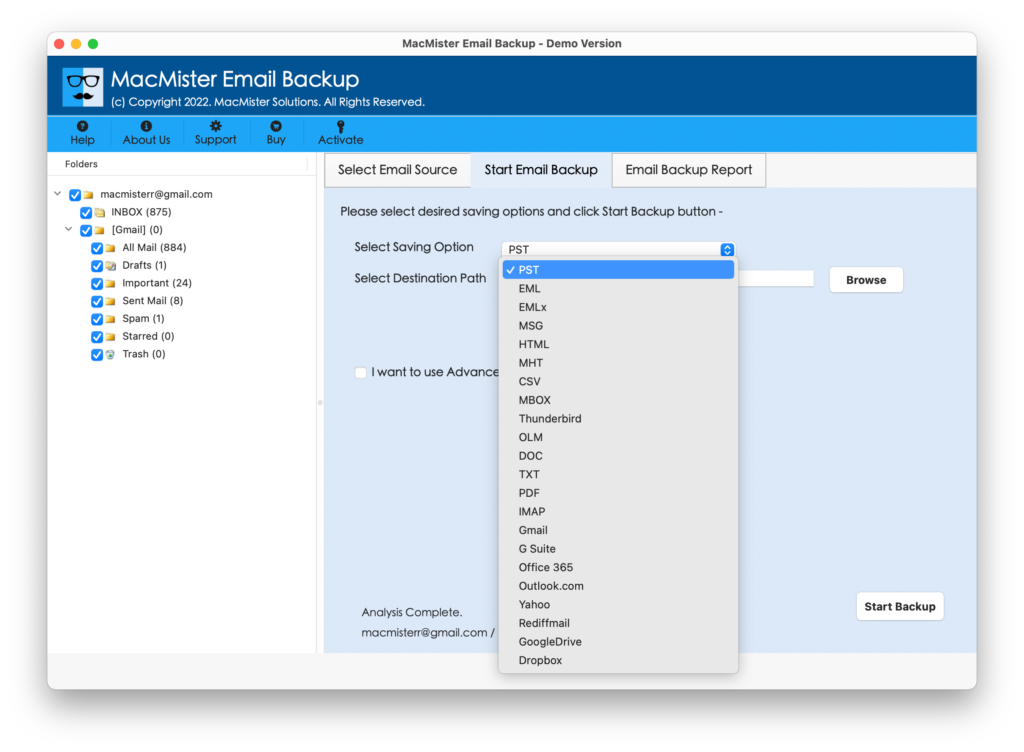
Step 4. Select MBOX file type from menu list of Select Saving Option.
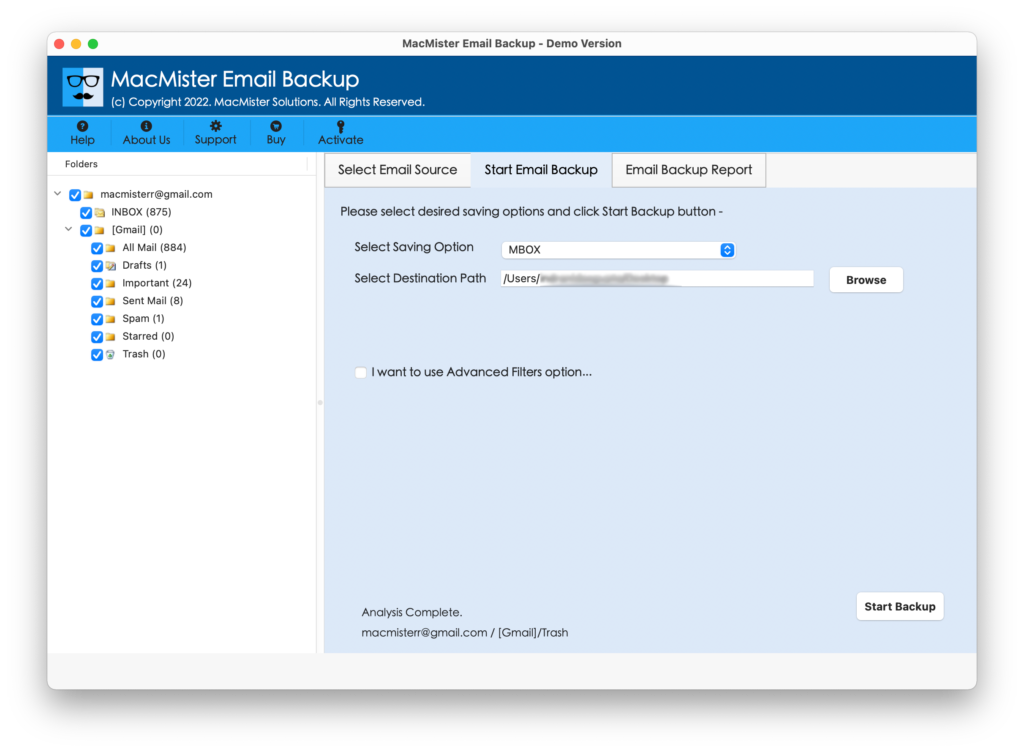
Step 5. Apply options appearing under MBOX format as per need and click on Start Backup button.
Step 6. Hotmail to Apple Mail Migration process will be live. Users can now even track the migration status.
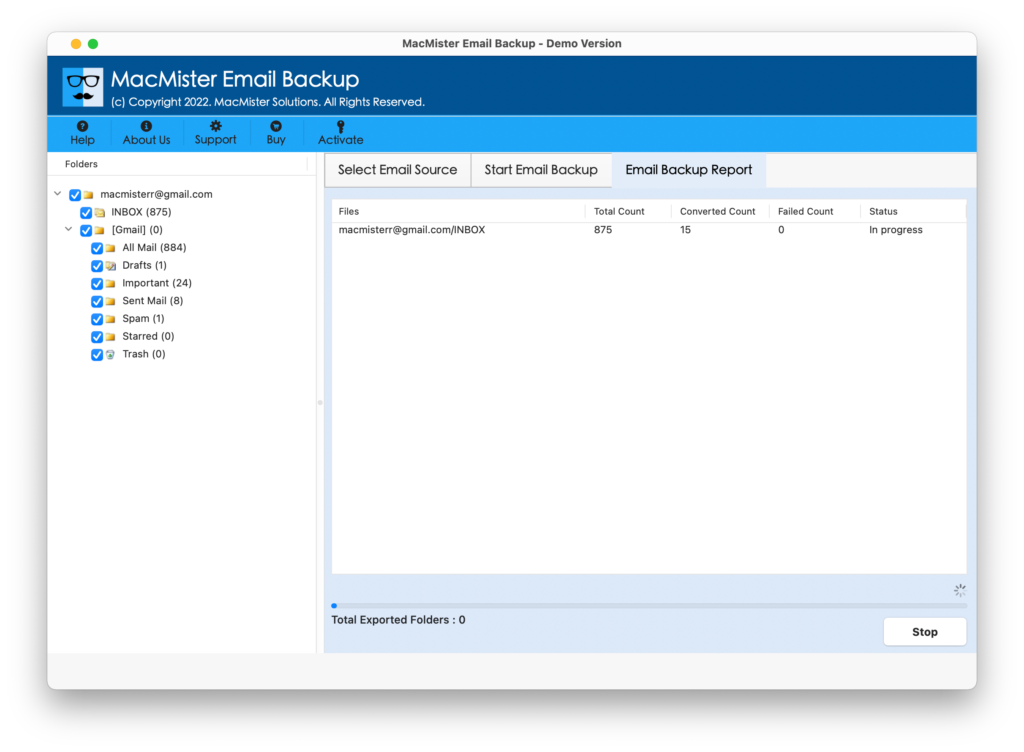
Process completion will get notified to users through a message “Process Completed”. Now navigate to selected location of MBOX file and import it to Apple Mail.
Why Hotmail to Apple Mail is a Better Method?
There are various reasons for choosing Hotmail to Apple Mail Tool. However, here we have discussed some of them:
Direct Hotmail to Apple Mail Process is Possible
With the help of Hotmail to Apple Mail Tool, users can directly transfer emails from Hotmail account to Apple Mail. The tool only requires login credentials of Hotmail account and after that users only need to choose Apple Mail supported MBOX format. When this is done, simply click on Start Backup button and start the process.
Maintains Data Integrity of Hotmail Emails
The application has a direct migration facility and with this it also takes care of the originality of Hotmail emails. So, after conversion completes, users can open a resultant file in a supported email platform to check the accuracy of Hotmail emails. The data integrity such as hyperlinks, images, email header, etc. will remain untouched by the tool during the process.
Achieve Select Hotmail Email Conversion to MBOX
Hotmail to Apple Mail Tool has Advance Filters property as well. When a user clicks on it, it will show options of Date Range, Subject, to, from, etc. However, users can use these options as per their need to transfer Hotmail emails to Apple Mail according to particular date, month, subject, email address etc.
Protect Hotmail Account Details during Process
Users do not need to worry about their confidential details. Because, the inbuilt security measure will keep the login credential of Hotmail account accurate when a user enters it in Hotmail Email ID and Password.
Instinctive GUI and Simplified Operational Steps
Hotmail to Apple Mail Tool possesses simple and trouble-free steps. There is no professional skill requirements while operating the tool. The GUI of the tool has been programmed in a way that it will automatically tell the users where to go and what to do next.
Implement Hotmail to Apple Migration on all Mac OS
The software allow users to transfer Hotmail emails to Apple Mail on all macOS versions. Users can successfully move all Hotmail account data to Apple Mail on macOS Ventura, Monterey, Big Sur, Catalina, High Sierra, etc.
Final Words
The mentioned article has highlighted an ultimate solution to add Hotmail to Apple Mail on Mac directly. The Hotmail Email Backup Software Mac is all-in-one secure and cost-effective solution that has a friendly GUI and able to transfer Hotmail emails to Apple Mail with 100% accuracy. The tool is designed with a free demo as well. Users can download it and check the software practical working for free. It allows to add first 25 emails from Hotmail account to Apple Mail for free.