Can EML Files Contain Malware? Risks, Warning Signs & Prevention Tips
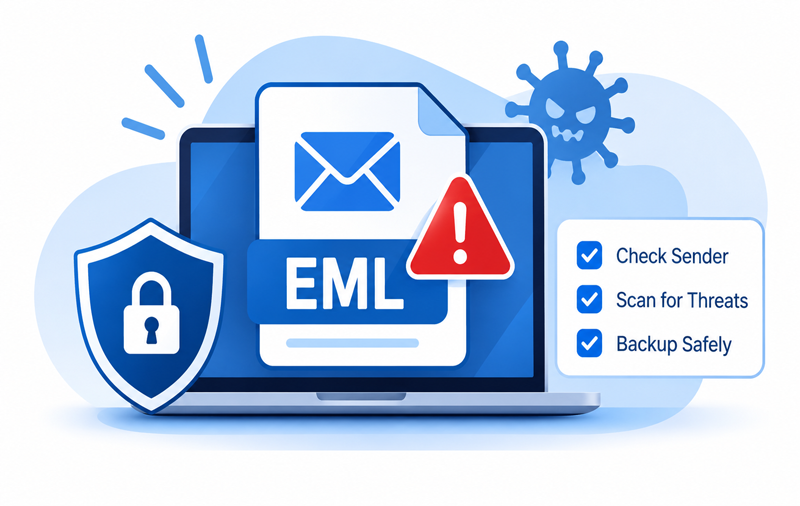
EML files are commonly used to save individual email messages along with sender details, subject lines, message content, and attachments. They make it easy to store and transfer emails between different email applications. However, like other email files, EML files can also carry security risks when received from unknown or suspicious sources.
Users often save EML files for future reference, email migration, and backup purposes. Before opening or transferring these files, it is important to understand their potential risks and the precautions required to handle them safely. This article explains whether EML files can contain malware, how to identify suspicious messages, and how to protect your Mac. It also discusses how an EML Converter for Mac helps backup emails in different file formats and webmail applications.
What Is an EML File?
EML is a standard file format used to store individual email messages. It preserves important information such as sender and recipient addresses, subject, date, message body, and attachments.
Several email clients, including Apple Mail and Mozilla Thunderbird, support EML files. Users can save, share, and transfer these messages between compatible applications. Since EML files may contain HTML content, hyperlinks, and attachments, checking their source before opening them is important.
Can EML Files Contain Malware?
Yes, EML files can be used to distribute malware, although the file format itself is not inherently harmful. Security risks generally come from the content stored inside the email.
A suspicious EML message may contain infected attachments, misleading hyperlinks, or malicious HTML content. Interacting with such content can expose a computer to different security threats. Common risks include –
- Malicious Attachments – Email messages may contain infected documents or executable files that can harm a system.
- Phishing Links – Fraudulent links can redirect users to fake websites designed to collect login credentials.
- HTML-Based Threats – Malicious HTML content may attempt to exploit vulnerabilities in outdated applications.
- Social Engineering – Fake emails may imitate banks, companies, or known contacts to obtain confidential information.
Therefore, users should verify unfamiliar EML files and scan suspicious attachments before opening them.
Common Warning Signs of a Suspicious EML File
1. Unknown Sender – Be cautious when an EML file comes from an unfamiliar or unexpected email address.
2. Unexpected Attachments – Suspicious messages may contain unusual file types or attachments that you were not expecting.
3. Misleading Links – Avoid clicking hyperlinks that use unfamiliar domain names or redirect to unknown websites.
4. Urgent Messages – Emails demanding immediate payments, password changes, or personal information may be phishing attempts.
5. Unusual Formatting – Poorly written content, strange formatting, and unexpected requests can indicate suspicious messages.
How to Protect Your Mac from Malicious EML Files?
Mac users can follow some basic security practices to reduce the risks associated with suspicious email files.
- Verify the Sender – Check the sender’s email address before opening unfamiliar messages.
- Scan Attachments – Use trusted antivirus software to scan suspicious attachments.
- Avoid Unknown Links – Do not click unexpected hyperlinks or download files from unverified sources.
- Update macOS – Keep your operating system and email applications updated.
- Use Trusted Applications – Open EML files through reliable and updated email clients.
- Maintain Backups – Keep additional copies of important emails to prevent accidental data loss.
Why Backup EML Files in Other Formats?
Storing important emails in a single format may not always meet future requirements. Users sometimes need to access saved messages through different applications, share email records, or maintain copies for documentation.
Converting EML files into other formats provides additional flexibility. Some commonly used formats include:
- PDF – Suitable for storing emails as readable documents and sharing them easily.
- MBOX – Useful for importing email messages into compatible email clients.
- PST – Helpful for managing email data through supported Microsoft Outlook environments.
- MSG – Suitable for storing individual messages in Outlook-compatible format.
- HTML – Allows users to view email content through supported web browsers.
- CSV – Useful for organizing supported email information in spreadsheets.
Users may also need to migrate saved EML messages to webmail applications such as Gmail or Office 365. Maintaining additional copies makes email management and future access more convenient.
Backup and Convert EML Files by EML Migration for Mac Tool
When users have multiple EML files, manually opening and saving every message in another format can take considerable time. The MacMister EML Converter for Mac provides an easier way to manage bulk email conversion and backup requirements.
 |  |
The software allows users to add individual EML files or entire folders for conversion. It provides options to save EML messages in different file formats and migrate email data to supported webmail applications. Its key capabilities include –
- Bulk Conversion – Add multiple EML files or folders and process them together.
- Multiple Output Formats – Convert EML files into PDF, MBOX, PST, MSG, HTML, and other supported formats.
- Webmail Migration – Transfer saved EML messages to supported services such as Gmail, Exchange Server, IMAP Server, Yahoo Mail, and Office 365.
- Attachment Support – Retain supported email attachments during conversion and migration.
- Email Information Preservation – Maintain important details, including sender, recipient, subject, and date.
- Selective Conversion – Use available filtering options to process required email messages.
The software is useful for users who want additional email backups, need different output formats, or plan to move saved messages to another supported email platform.
Conclusion
EML files provide a convenient way to save and transfer individual email messages, but their contents may include suspicious links, harmful attachments, or misleading HTML elements. Users should verify unknown messages, scan attachments, and follow basic security practices before opening saved email files.
Maintaining email backups in multiple formats also makes important messages easier to access and manage. The Software provides a convenient way to convert EML to PDF, PST, MBOX, EMLx, HTML, Gmail, Office 365, Exchange Server, IMAP Server, etc, helping Mac users manage and maintain additional copies of their email data.