How to Access OLM Files on Mac without Outlook?
If you have OLM files but not Outlook for Mac and wondering how to access OLM files on Mac without Outlook! Then not to worry, just follow the write-up and you will discover a solution that will help you accessing OLM files on Mac by converting OLM into suitable storage format.
OLM is Outlook for Mac archive file that contains the data items of users account. The file is only accessible in Mac Outlook, thus most of the users face struggle when they try to view OLM files without the installation of its supported email client. So, in the next segment we have discussed the best way to access OLM files on Mac without Outlook on Mac.
How to Access OLM Files on Mac without Outlook?
In the below segment, we have discussed multiple ways to access OLM files on Mac without Outlook. Go through them carefully and execute the desired task.
Direct Solution
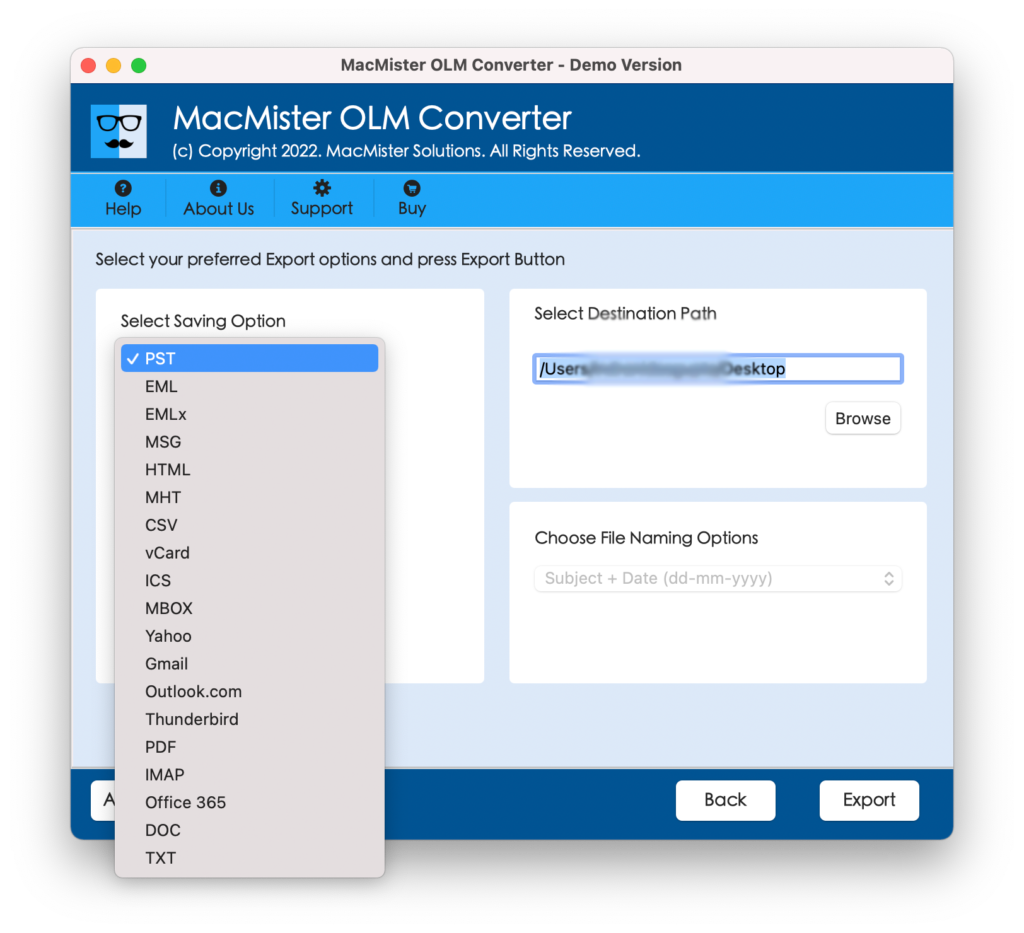
The simple and trouble-free way to access OLM files on Mac without Outlook is MacMister OLM Converter for Mac Tool. The software provides dual options such as Add File(s)/Add Folder with the help of users can add required OLM files and convert OLM files into 15+ saving options such as PST, PDF, EML, HTML, DOC, IMAP, Yahoo, Gmail, and more. The tool is easy to use yet powerful. Any technical or novice user can operate the app effortlessly and perform the conversion of OLM files without any trouble. Additionally, the three step process will save users lot of time and efforts.
Moreover, the application is built with multiple features with the help of users can convert OLM files on Mac according to the requirements. However, a free demo edition is also available that users can download on any macOS for free and check the conversion process of the tool in detail free of cost.
Working Steps of the App to Access OLM Files on Mac without Outlook
Step 1. Download, launch, and run the app on any Mac OS.
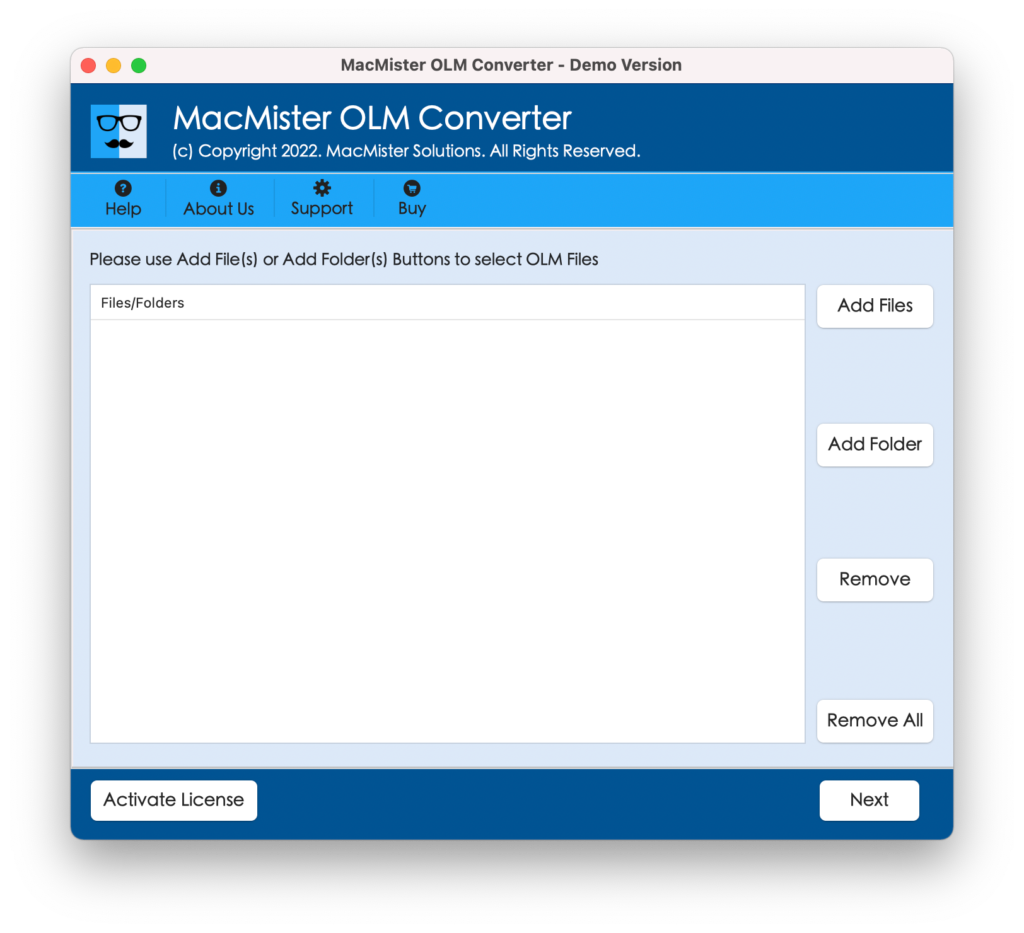
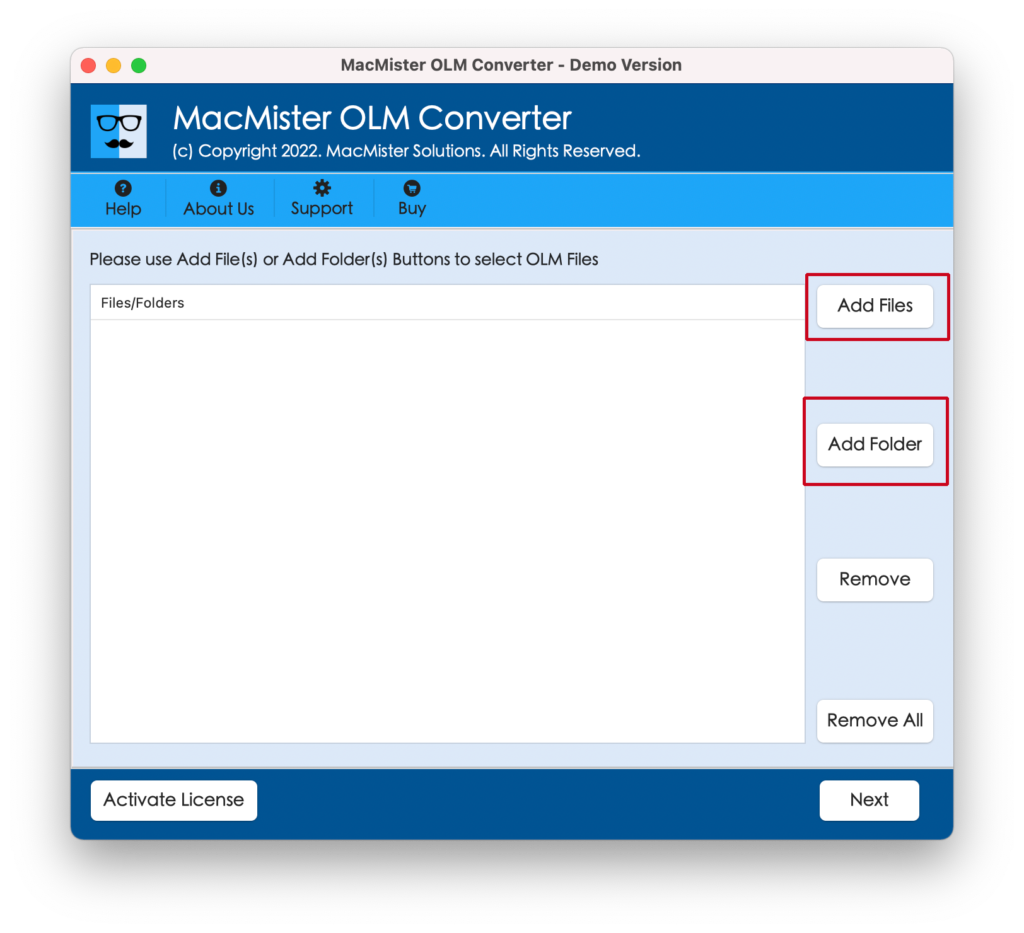
Step 2. Go to Add File(s) option to add required OLM files on the tool. Or click Add Folder option to add OLM files folder on the software for batch conversion. Then, click the Next button to continue.
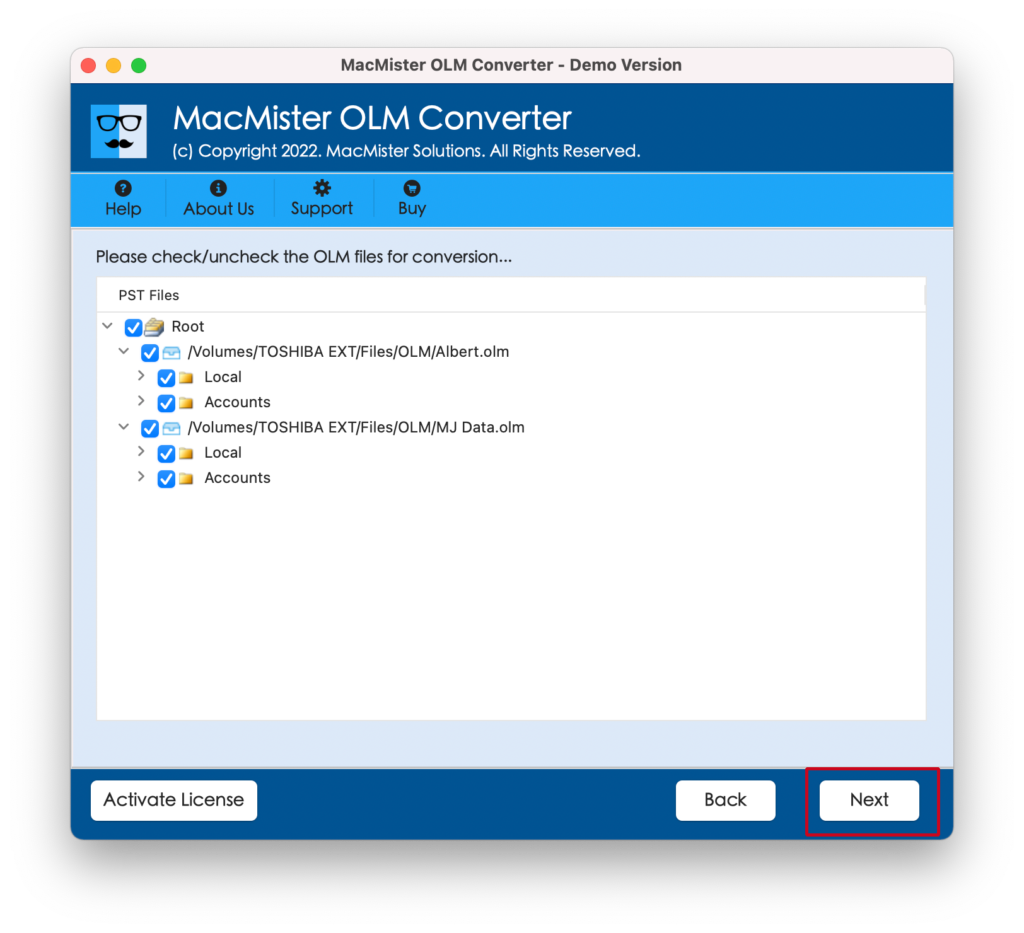
Step 3. Now, the application start showing OLM files with checkboxes on the panel one-by-one. However, users can use these checkboxes to convert only the selected OLM files, if required. Otherwise, click on the Next button to continue.
Step 4. Click Select Saving Options and select the necessary saving type from drop-down menu.
Step 5. Set the sub-options of a selected saving type according to the requirements and click Export button.
Step 6. The Live Conversion Report will generate which shows the live conversion of OLM files.
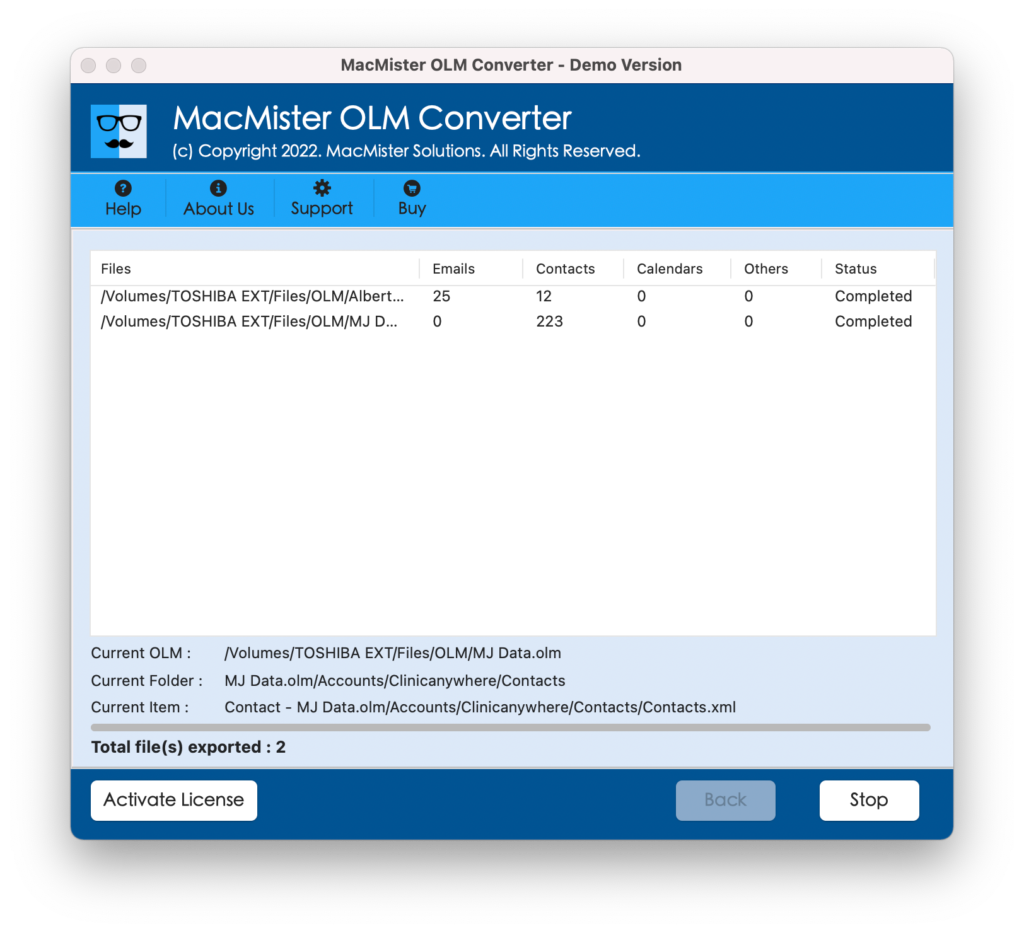
The entire conversion will finish in few seconds and the users will get “Conversion Completed” message on the screen. Click on the OK button and go to the destination path to check resultant files. You will see the conversion is accurately performed. All the emails will display with precise content, layout, and formatting properties.
In short, MacMister OLM Converter is a perfect utility to access OLM files on Mac without Outlook for Mac email client.
Main Benefits of using Direct Solution
- Directly change OLM file format into 15+ saving options.
- Able to handle large size OLM files with ease.
- Protects the original OLM database throughout process.
- Built with intuitive GUI that is manageable by all users without any issues.
- Includes different options with every saving type to attain desired outcome.
- Available in Windows and Mac versions both (all editions supported).
Manual Approach
Using Terminal
In case you prefer DIY method, then there is a Mac’s inbuilt tool that will help users accessing OLM files, although it isn’t user friendly as direct conversion utilities –
Step 1. Locate OLM files by navigating to Finder; technically they are present in the Documents folder under Outlook files directory.
Step 2. Open Terminal, navigate towards Applications, click Utilities and tap Terminal.
Step 3. Run file commands to navigate and open OLM file. However, the method need knowledge of Terminal commands and might not deliver easily readable results as it is highly technical.
Using Online Services
If software installations are not considerable, then you may take help of online conversion services. There are numerous websites delivering free or paid services to convert OLM files into other file types. Simply upload your file, choose the required format, and download converted file. Make sure to trust the service you are making use of as you need to upload sensitive data.
Epilogue
In the blog, we have discussed different procedures to fix how to access OLM files on MacBook without Outlook on Mac. The direct solution will implement the conversion smoothly and provides the results with 100% accuracy. It possesses a friendly environment so that any user can use the software steps with ease and transform OLM files into accessible file formats on Mac. The manual techniques are free to use but they are highly technical. Also, it is advised for users to operate the manual procedure under expert’s guidance.